Vectors — Your Knowledge Base
A Vector is a knowledge base for your workspace. You feed it content — text, question-answer pairs, website pages, files — and Indite splits it into chunks, converts each chunk into an AI-searchable embedding, and stores it.
After that, your bots and workflows can search the vector by meaning, not just keywords. Ask "how do I get a refund?" and it finds the paragraph about your return policy, even if the word "refund" never appears.
This is how you build bots that answer questions from your content (a pattern called RAG — Retrieval-Augmented Generation):
User question → Vector Store block (finds matching chunks)
             → AI block (writes an answer using those chunks)
             → Answer with your real information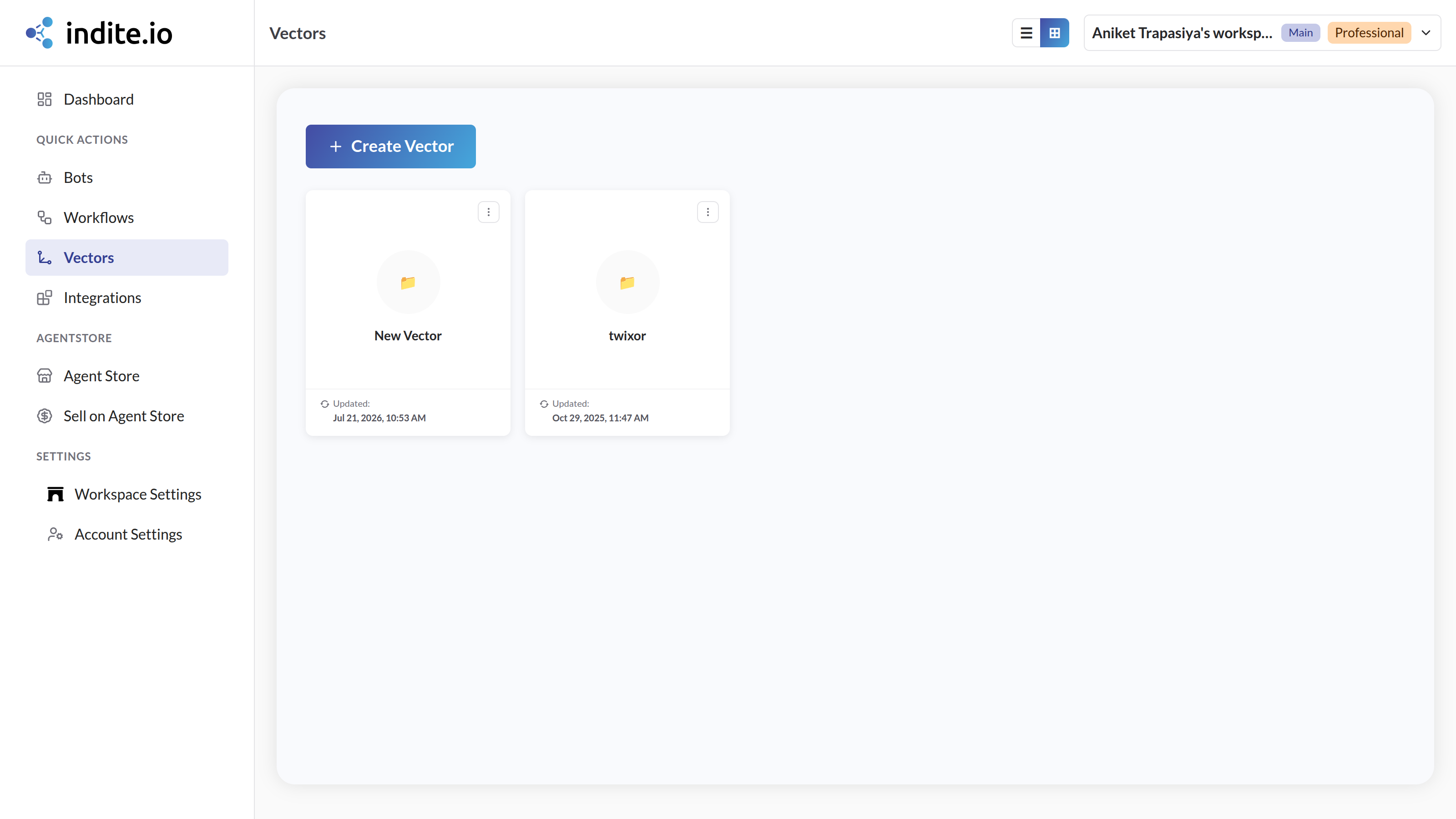
What you can put in a vector
| Source | How |
|---|---|
| Free text | Paste any text directly |
| Q&A pairs | Type question + answer pairs by hand |
| Websites | Give a URL — Indite crawls the site's pages for you (or add individual links, including direct PDF links) |
| Files | Upload PDF, Word (DOCX), Excel (XLSX/XLS), CSV, TXT, or Markdown files |
Where vectors are used
Good to know
⚠️
Vectors need a paid plan. Training and renaming vectors is not available on the Free plan, and each plan has a limit on how many knowledge bases you can create.
- Vectors belong to a workspace — every bot and workflow in the workspace can use them.
- Indite manages the storage and embedding for you; you don't need any external vector database account. (If you prefer your own Pinecone account, use the separate Pinecone block.)
- You'll find your vectors in the builder sidebar under Vectors, in card or table view, with rename and delete options in the ⋮ menu.