Platform
Everything you build in Indite — bots, workflows, vectors, agents — lives inside a workspace and shares the same platform features. This section covers them.
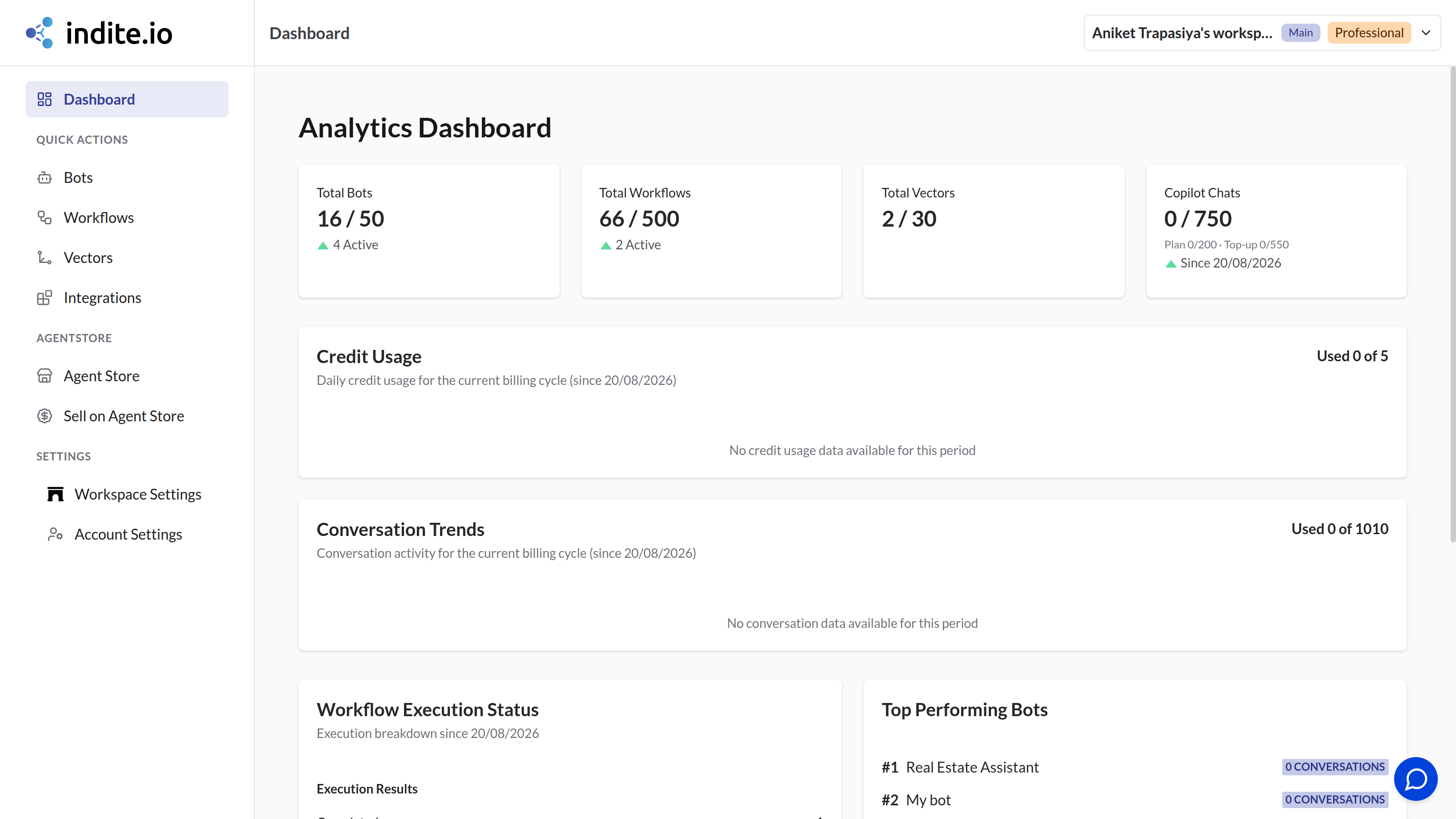
Finding your way around
The builder's left sidebar is the home for everything:
| Sidebar item | What it is |
|---|---|
| Dashboard | Overview of your workspace |
| Bots | Your conversational chatbots (see Chat Bots) |
| Workflows | Your automation workflows (see Workflows) |
| Vectors | Your knowledge bases for AI answers (see Vectors) |
| Integrations | All your connected accounts and credentials |
| Workspace Settings | Workspace name, icon, and member management |
| Account Settings | Profile, preferences, API keys, MCP access, billing |
| Agent Store | The marketplace for ready-made agents (see Agent Store) |
| Sell on Agent Store | List your own workflows for sale or rent |
Bots and Workflows pages support folders (click Create a folder, then drag items in) and both card and table views. New bots and workflows can be started from scratch, from a template, or by importing a file.
Need a refresher?
Workspace Settings has a Start Tour button that replays the guided onboarding tour covering the sidebar, bots, workflows, vectors, integrations, and settings.