Authentication
To interact with the Indite AI API, you need to authenticate your requests using an API token.
Generate a Token
Follow these steps to generate your authentication token:
- Log in to your Indite AI Dashboard (opens in a new tab)
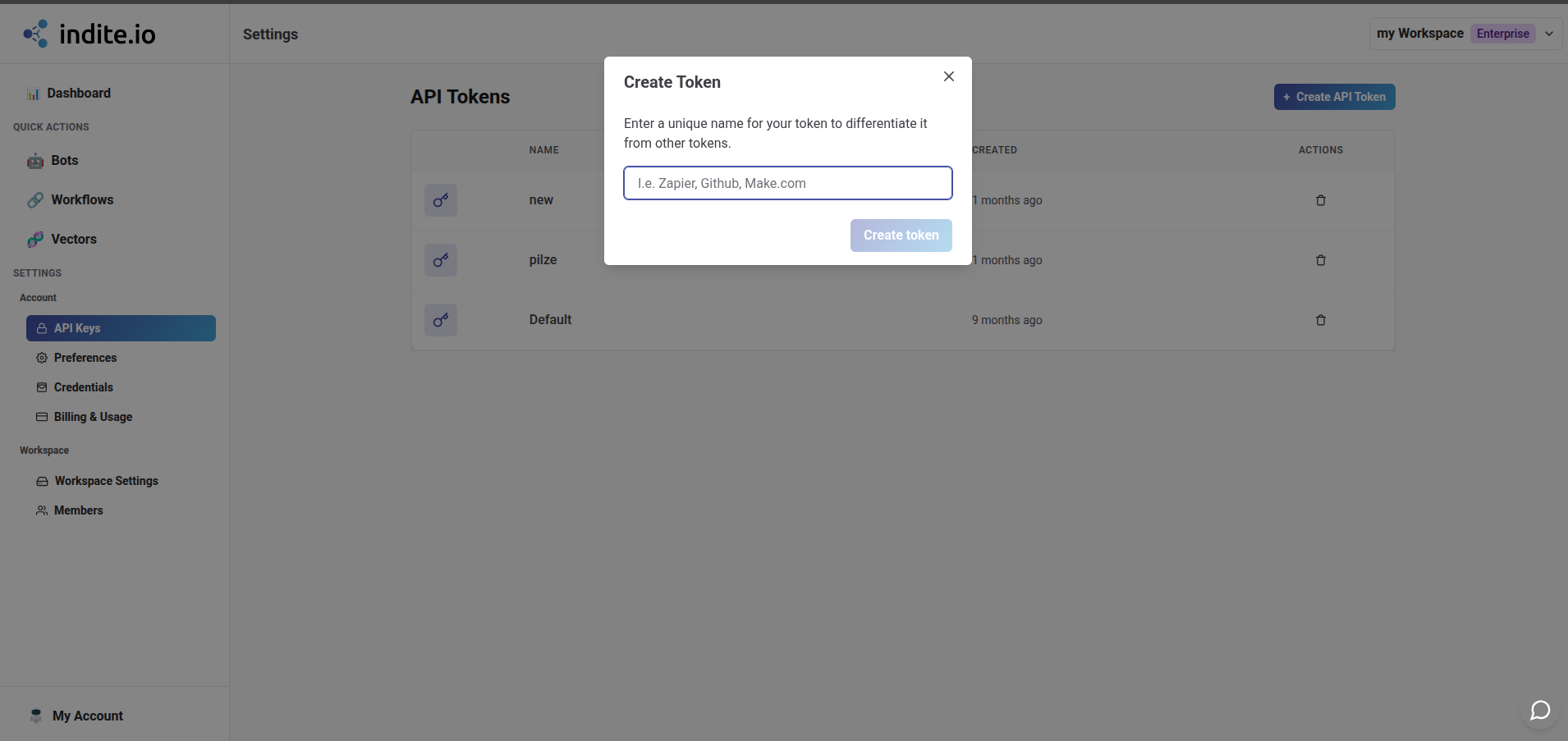
- Navigate to Settings → API Keys
- Click Generate New Token
- Copy your token and store it securely
- Use this token in your API requests
Using Your Token
You can authenticate by adding an Authorization header to all your HTTP calls. The Authorization header is formatted as such: Authorization: Bearer <token> (replace <token> with your token previously generated).
Example:
curl -L -X GET 'https://app.indite.io/api/requests' \
-H 'Accept: application/json' \
-H 'Authorization: Bearer myAwesomeToken'