Audio Bubble Block
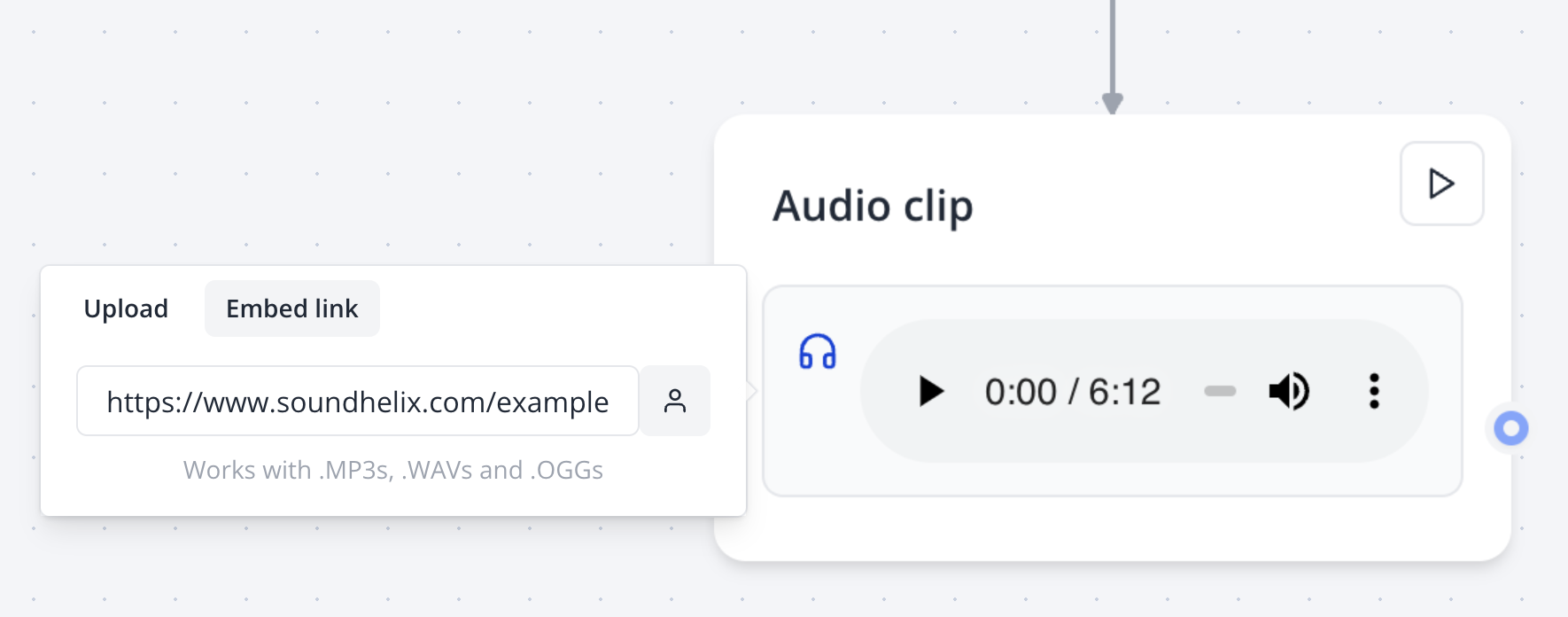
The Audio Bubble block allows you to play recorded audio for users within your bot’s conversation flow. You can either upload an audio file directly or provide a URL to an externally hosted audio file.
Supported audio formats depend on the user’s browser and platform. Common formats like .mp3, .wav, and .ogg are recommended for broad compatibility.
Configuring in the Flow Editor
Add an Audio Bubble block to your bot’s flow in the Indite editor:
- Drag the Audio Bubble block from the Bubbles category into a group.
- Upload an audio file or paste a valid URL in the block’s settings.
- Optionally, configure additional settings, such as a delay before the next block or a fallback message.
Troubleshooting
First Audio Bubble Not Autoplaying
Most web browsers enforce a policy that prevents audio from playing automatically to avoid disruptive user experiences. The user must interact with the page (e.g., click a button or send a message) before audio playback can begin.
To ensure audio playback, design your flow to prompt user interaction (e.g., via an Input block) before the Audio Bubble block.
Audio Not Playing on iOS/Safari
If the audio fails to play on iOS or Safari, the file may be malformed or encoded incorrectly. To resolve:
- Verify File Encoding: Download the audio file and test it locally on your computer to confirm it plays correctly.
- Use Supported Formats: Ensure the file is in a compatible format (e.g.,
.mp3or.wav). Re-encode the file using tools like Audacity or FFmpeg if needed. - Check URL Accessibility: If using a URL, verify the audio file is publicly accessible and not blocked by CORS policies.
Test your audio file across multiple browsers and devices to ensure compatibility before deploying your bot.
Audio Not Playing on WhatsApp
When deploying on WhatsApp, note that audio playback is subject to WhatsApp’s media limitations. Only specific formats (e.g., .mp3, .aac) are supported. Refer to the WhatsApp Guide for details on supported media types.
Best Practices
- File Size: Use compressed audio files (e.g.,
.mp3at 128kbps) to reduce loading times and improve performance. - Fallback Content: Include a fallback Text Bubble block to inform users if the audio fails to play.
- Accessibility: Provide a transcript of the audio content in a separate Text Bubble block for users who cannot play audio.
- Testing: Preview your bot in the Indite editor’s Test mode to verify audio playback across different environments.