User Preferences
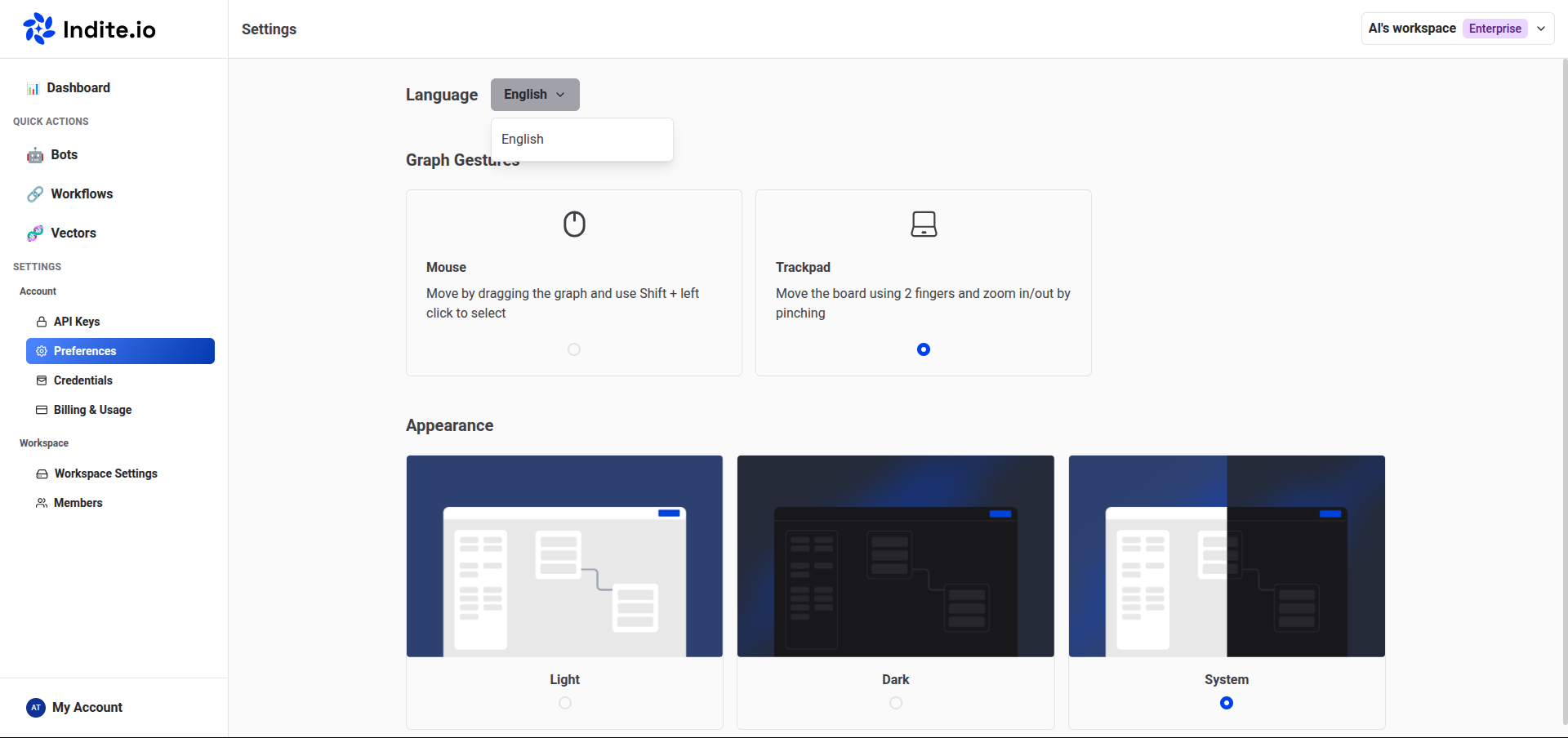
Customize your experience with the bot application through the User Preferences settings, accessible in the Settings & Members menu under the Preferences tab.
Change Language
Modify the application’s language to suit your needs:
- Navigate to the Settings & Members menu.
- Select the Preferences tab.
- Choose your preferred language from the available options.
The application is still being translated, so some sections may not yet be available in your selected language.
Generate Group Titles with AI
Enable AI-generated titles for groups to streamline your workflow:
- Go to the Settings & Members menu.
- Select the Preferences tab.
- Configure your AI provider under the group title generation settings.
If your AI provider credentials are not listed, ensure they are added to your personal User Credentials. Only user-scoped credentials are available for this feature.
Once enabled and configured, default group titles (e.g., "Group #1") will automatically update with AI-generated titles whenever you connect a new group or block to an existing group.