Script Block
The Script Block enables you to execute JavaScript code within your application, providing a flexible way to implement custom logic.
The Script Block is designed for executing JavaScript logic and does not support creating custom visual components.
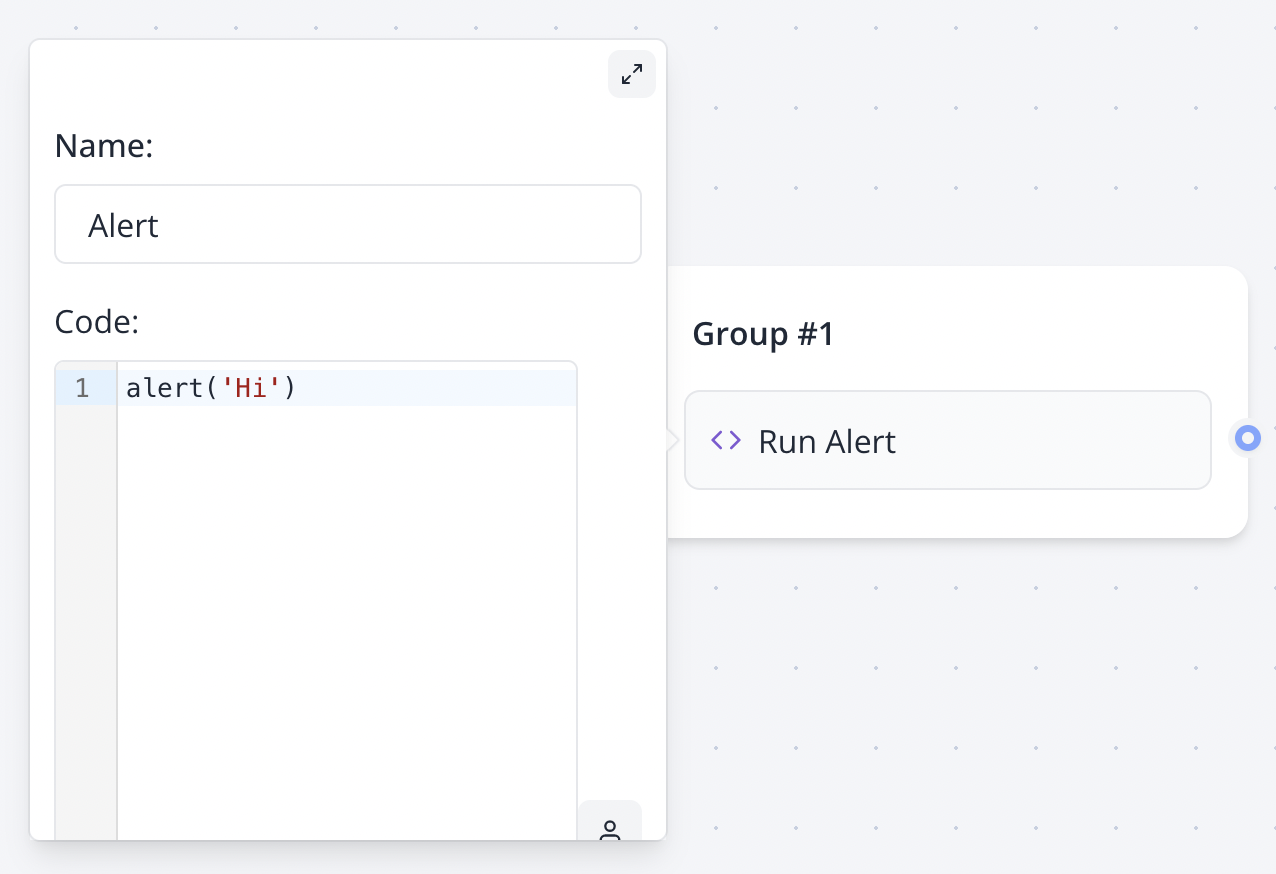
Variables in the Script Block are evaluated as JavaScript variables, not parsed as strings. For example, use console.log({{MyVariable}}) instead of console.log("{{MyVariable}}") to correctly reference a variable.
Using the setVariable Function
To set variable values dynamically within a Script Block, use the setVariable function. This is particularly useful for server-side scripts. For simpler variable assignments, consider using the Set Variable Block instead.
Example of using setVariable:
if ({{MyVariable}} === 'foo') {
  setVariable('MyVariable', 'bar');
} else {
  setVariable('MyVariable', 'other');
}Note: The setVariable function is only available for scripts executed on the server. It will not work if the "Execute on client?" option is enabled.
Limitations of Server-Side Scripts
Scripts executed on the server run in an isolated, secure environment, which imposes certain restrictions:
-
Global Functions: Functions such as
console.log,setTimeout, andsetIntervalare unavailable. -
Fetch API: The
fetchfunction behaves differently from the native JavaScriptfetch. You do not need to callawait response.text()orawait response.json(). The response is always returned as a string.// ❌ Incorrect: This will throw an error const response = await fetch('https://jsonplaceholder.typicode.com/todos/1'); const data = await response.text(); // ✅ Correct: Direct response as a string const data = await fetch('https://jsonplaceholder.typicode.com/todos/1');If the response is a JSON object, parse it using
JSON.parse:// ❌ Incorrect: This will throw an error const response = await fetch('https://jsonplaceholder.typicode.com/todos/1'); const data = await response.json(); // ✅ Correct: Parse JSON response const response = await fetch('https://jsonplaceholder.typicode.com/todos/1'); const data = JSON.parse(response); -
Module Imports: You cannot use
importorrequireto include external libraries. -
Browser APIs: APIs like
window,document, orlocalStorageare unavailable. To access these, enable the "Execute on client?" option to run the script in the user's browser.
Example Use Cases
Reloading the Page
To refresh the current page:
window.location.reload();Conditional Redirect Based on Variable Value
To redirect users to a specific URL based on a variable's value:
if ({{Category}} === 'qualified') {
  window.location.href = 'https://my-site.com';
}