Text Bubble Block
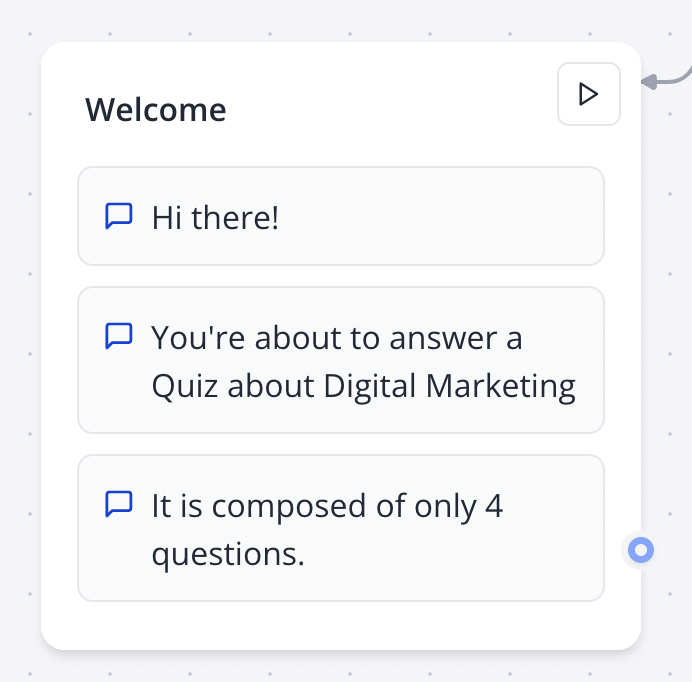
The Text Bubble block displays simple text messages in your bot’s conversation flow. Chain multiple text bubbles to create a smooth, animated sequence.
Note: Text bubbles support basic formatting and links for enhanced user interaction.
Configuring in the Flow Editor
- Drag the Text Bubble block from the Bubbles category into a group.
- Enter your text in the block’s settings.
- Optionally, add formatting or adjust animation timing.
Inserting Links
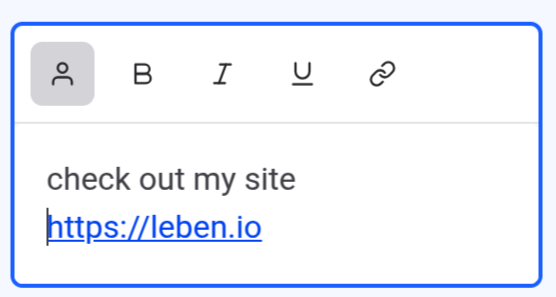
Add clickable links in text bubbles using the link icon in the editor:
- Supported protocols:
http:,https:,mailto:,tel:,sms:. - Links can reference bot variables for dynamic content.