Google Analytics Integration
The Google Analytics integration block enables you to track events in your flow, providing insights into user interactions with your bot.
Add the Google Analytics block in the Indite editor to track user interactions and events seamlessly!
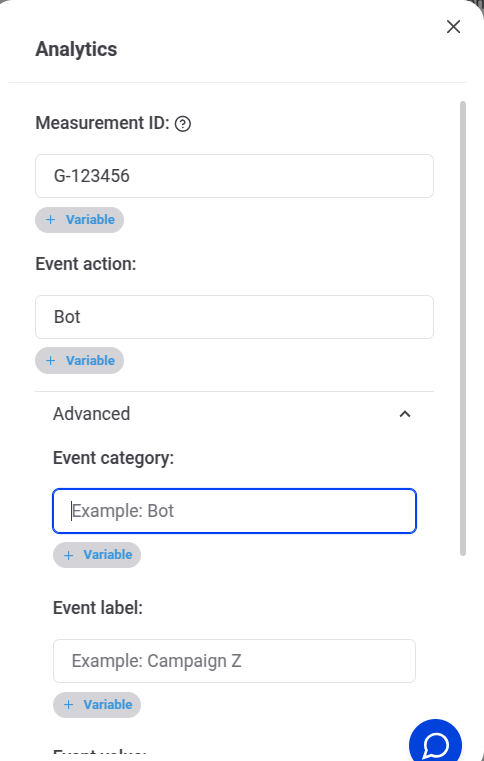
Configure the Google Analytics block in the Flow Editor to track specific events in your bot’s flow.
When a Google Analytics block is included in your flow, it:
- Initializes Google Analytics and tracks a "Page View" event on page load.
- Tracks the specified event when the block is executed.
Ensure your flow tracks Page View and custom events automatically with the Google Analytics block.
Track Conversions with Google Ads
To track conversions for Google Ads, add a Google Analytics block at the desired point in your flow with these properties:
- Event Action: Set to
conversion. - Send To: Specify your Google Ads ID (
<YOUR_AW_ID>). - Value (optional): Provide a numerical value to quantify the conversion.
Track Google Ads conversions by configuring the Google Analytics block with conversion properties in the Flow Editor.
Troubleshooting
To debug your Google Analytics setup, use the Google Analytics Debugger (opens in a new tab) browser extension.
Install the Google Analytics Debugger extension to troubleshoot and verify your event tracking.