Condition Block
The Condition block allows you to split your bot’s flow into two paths based on a defined condition, enabling dynamic routing based on user input or variable values.
Use the Condition block in the Flow Editor to create dynamic flows based on user data or logic.
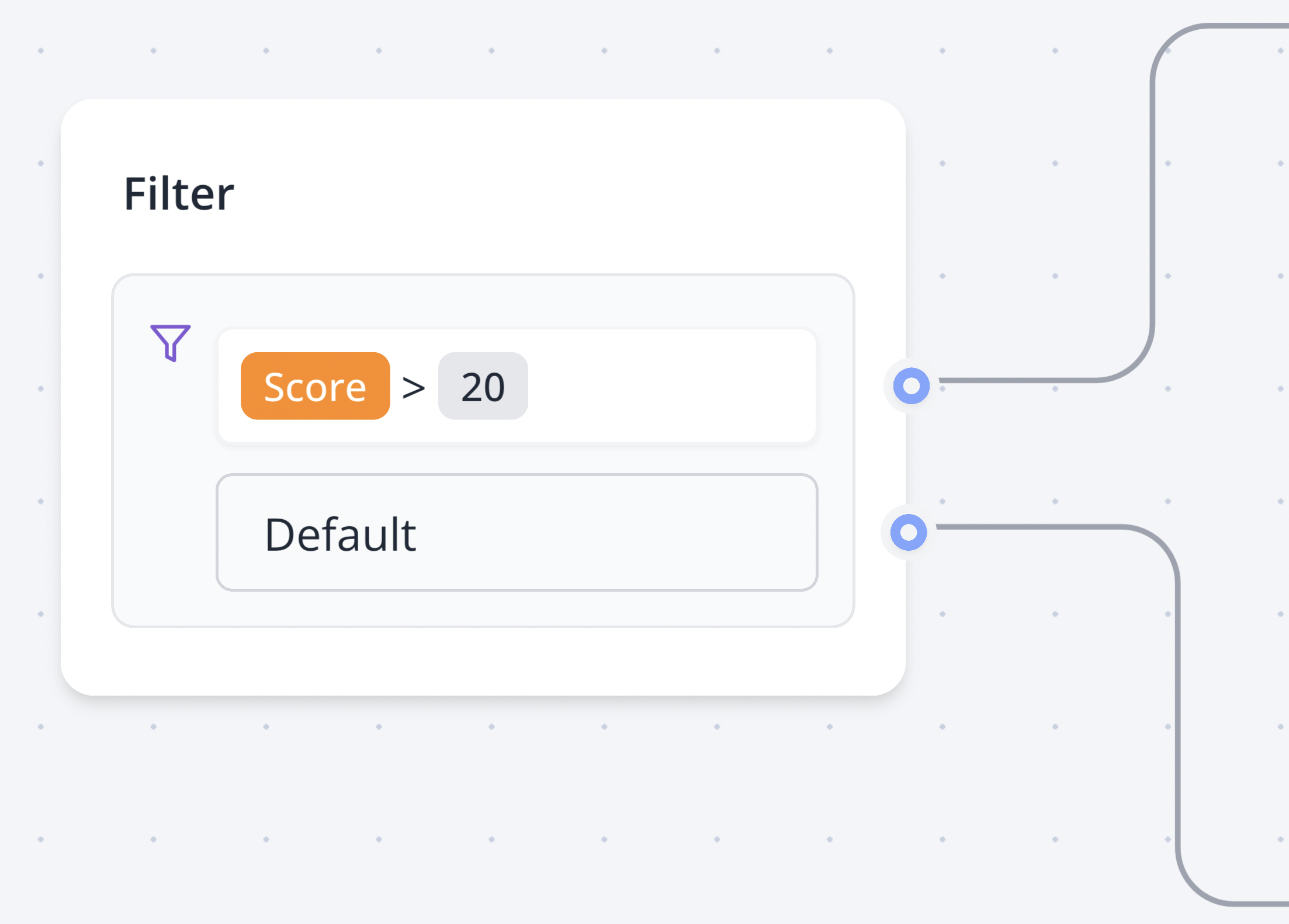
Example: If Score is greater than 20, follow one path; otherwise, follow the other.
Combining Conditions
You can combine multiple comparisons in a Condition block, evaluated sequentially and connected with AND or OR logical operators, to create complex flow logic.
Combine conditions with AND or OR in the Flow Editor for sophisticated flow control.
Video Tutorial
Watch this video for a step-by-step guide on setting up the Condition block:
Learn how to configure the Condition block with this video tutorial.
Operators
The Condition block supports the following operators for evaluating conditions:
Equal to
Matches if the provided value is strictly equal to the specified value.
Not equal
Matches if the provided value is not equal to the specified value.
Contains
Matches if the provided value contains the specified value. For lists, it matches if at least one element is common with the value.
Does not contain
Matches the inverse of Contains, when the provided value does not contain the specified value.
Greater than
Matches if the provided value is greater than or equal to the specified value. For lists, it evaluates the list’s length.
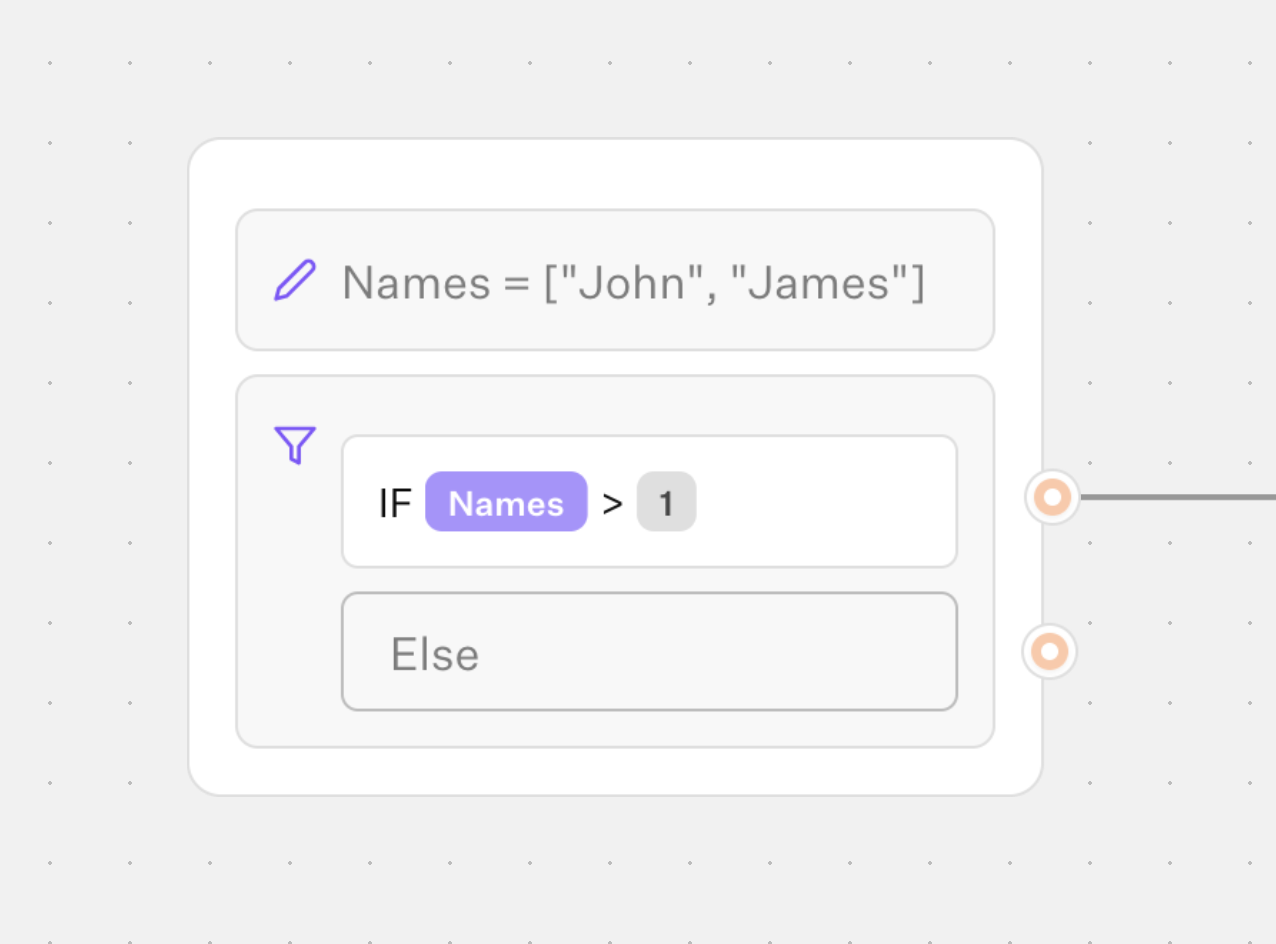
Less than
Matches if the provided value is less than or equal to the specified value. For lists, it evaluates the list’s length.
Is set
Matches if the provided value is not null, undefined, or an empty string.
Is empty
Matches if the provided value is null, undefined, or an empty string.
Starts with
Matches if the provided value starts with the specified value.
Ends with
Matches if the provided value ends with the specified value.
Matches regex
Matches if the provided value conforms to a regex pattern enclosed in /. Examples:
/^hello$/: Matches the exact string "hello"./hello/: Matches strings containing "hello" (e.g., "hello world")./hello/i: Matches case-insensitively (e.g., "Hello world")./[0-9]+/: Matches strings with one or more digits (e.g., "123").
Does not match regex
Matches if the provided value does not conform to the specified regex pattern.
Choose the appropriate operator in the Flow Editor to align with your condition logic.