Text Input Block
The Text Input block enables you to collect text responses from users, tailored to your bot’s needs.
Set up your Text Input block in the Indite editor to capture user text responses seamlessly!
Short Text Input
By default, the Text Input block is configured for concise responses:
Flow Editor
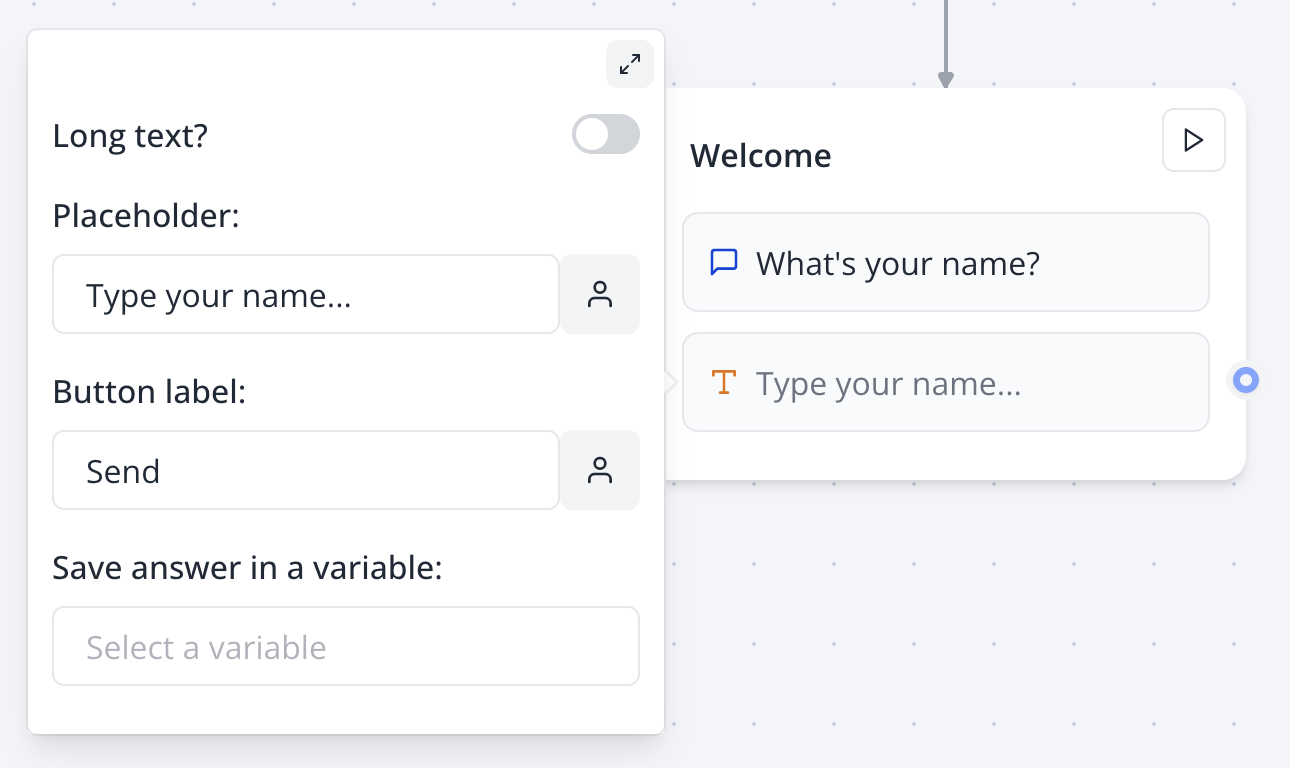
Configure short text settings in the Flow Editor for quick user responses.
Bot Preview
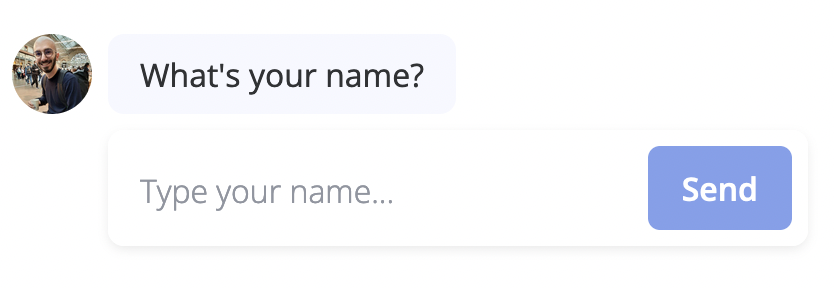
Preview the Short Text Input block in the bot interface to ensure a smooth user experience.
Long Text Input
Enable the long text option in the input settings to collect detailed user responses:
Flow Editor
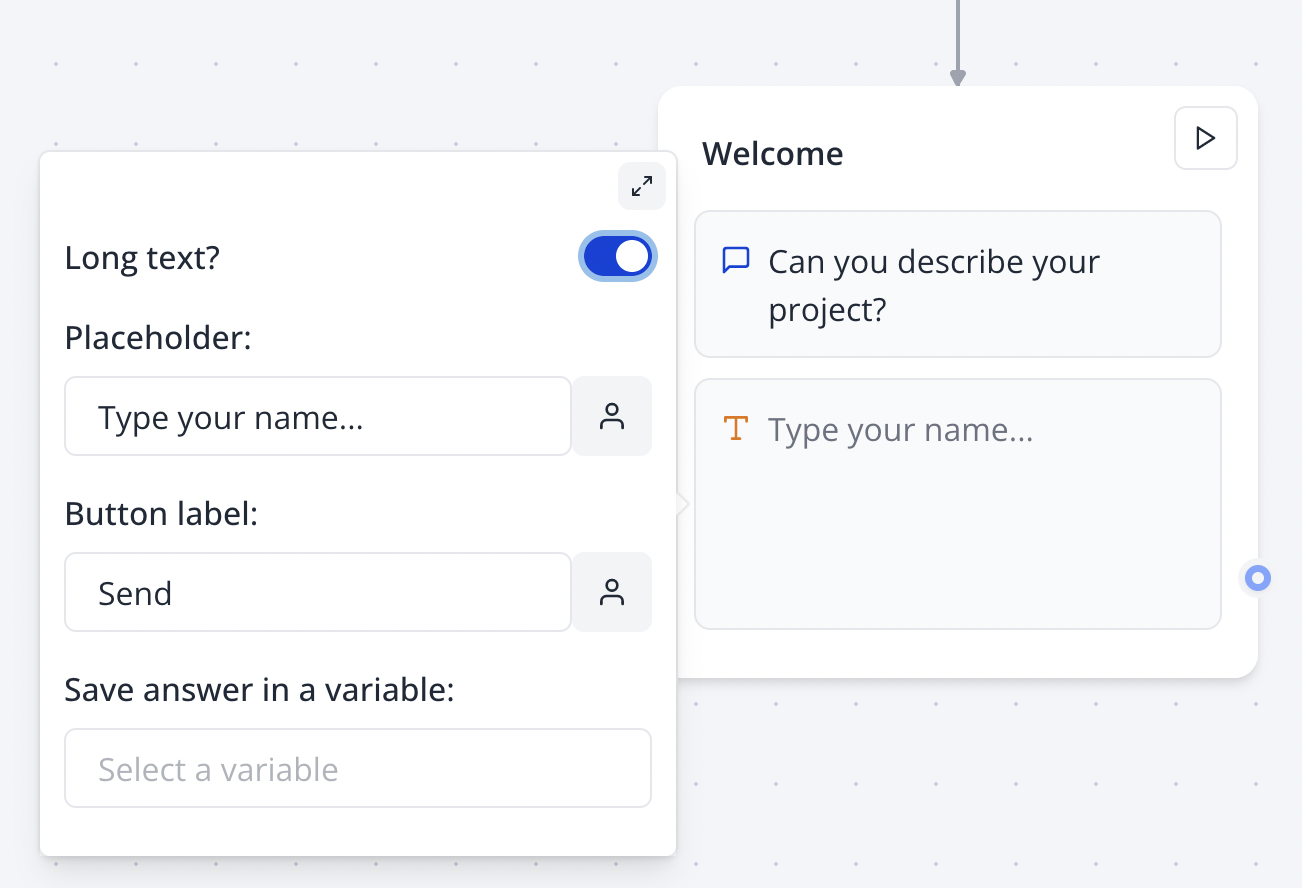
Enable long text settings in the Flow Editor for in-depth user responses.
Bot Preview
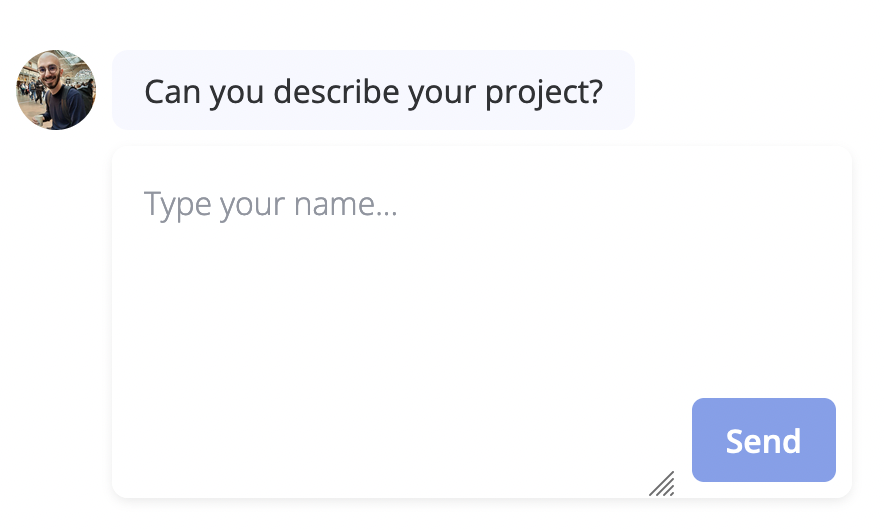
Preview the Long Text Input block in the bot interface to ensure it captures detailed responses.
Input Mode
The input mode option lets you choose the virtual keyboard type displayed on mobile devices, enhancing user experience by matching the keyboard to the expected input.
Available input modes:
- text: Displays a standard keyboard.
- decimal: Shows a numeric keypad with decimal support.
- numeric: Shows a numeric keypad for whole numbers.
- tel: Displays a telephone keypad.
- search: Shows a keyboard optimized for search inputs.
- email: Displays a keyboard optimized for email addresses.
- url: Displays a keyboard optimized for URL entry.
Input mode is a browser hint and may not be supported on all devices or browsers, but it’s especially helpful for mobile users.
For more information, see the MDN documentation (opens in a new tab).
Allow Attachments
When enabled, this option lets users attach files to their text responses, ideal for collecting documents or images alongside messages. The generated file URL is stored in the specified variable.
Allow Audio Clips
When enabled, this option displays a microphone button when the text input is empty, allowing users to record and send a voice message to the bot.
If supported, the recorded file will be in WebM format; otherwise, it will be MP4 (e.g., on Safari).