Rating Input Block
The Rating input block enables you to gather user feedback through a customizable rating system.
Set up your Rating block in the Indite editor to collect tailored user ratings effortlessly!
Flow Editor
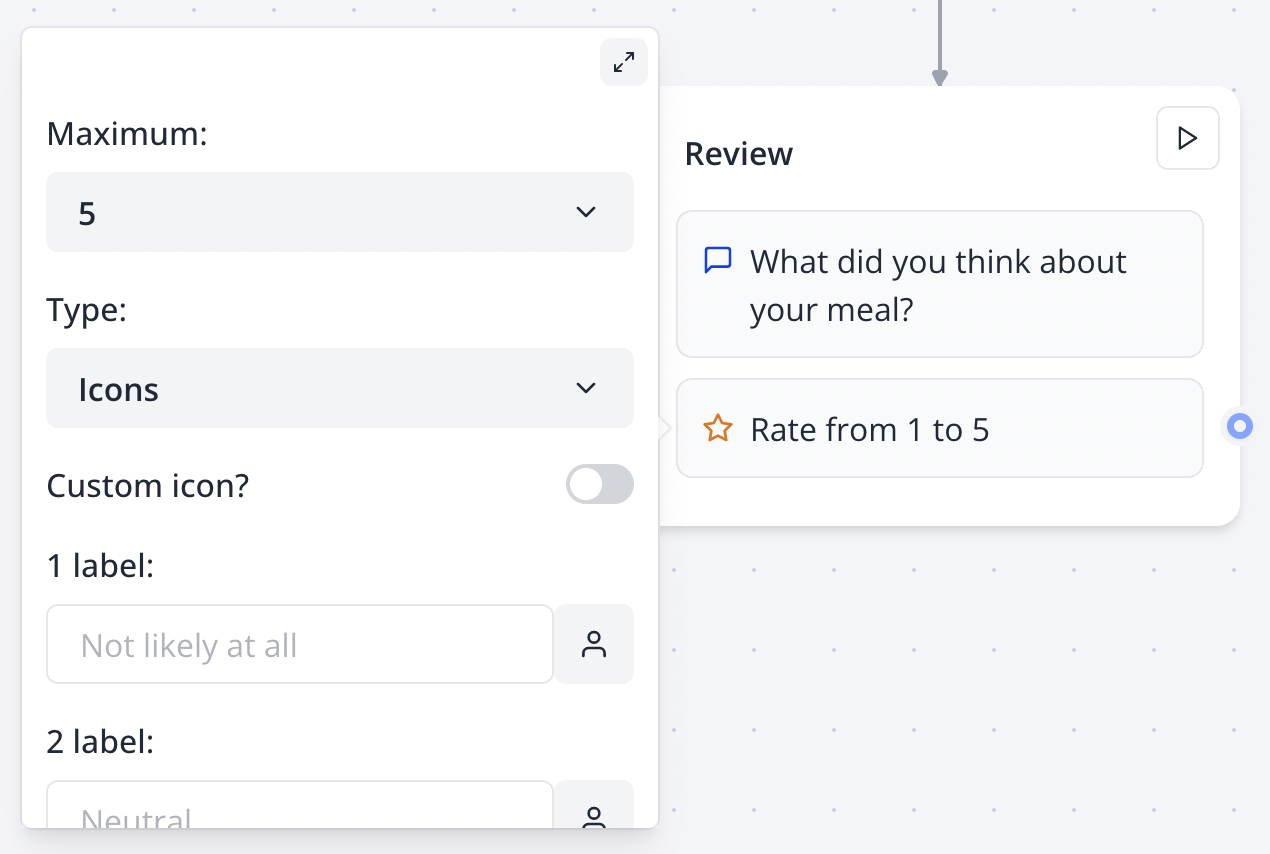
Adjust range and icon settings in the Flow Editor to create a tailored rating experience.
Bot Preview
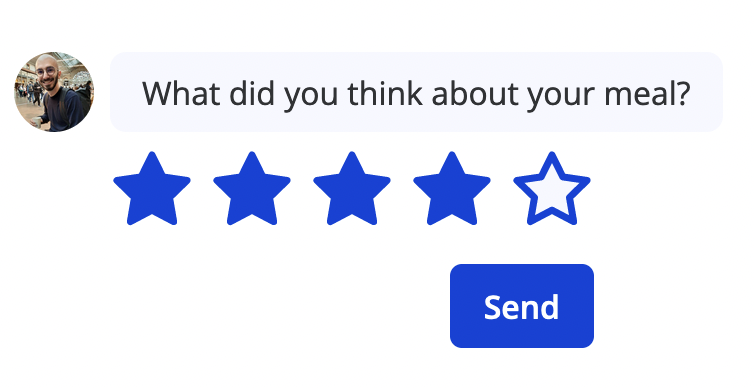
Preview your Rating block in the bot interface to ensure a seamless user experience.
Easily customize your rating input with options for range, numeric or icon-based displays, and descriptive bottom labels.
Tailor your Rating block with custom ranges, icons, and labels to suit your bot’s unique needs.
NPS
You can configure the block to collect a Net Promoter Score (NPS) for user satisfaction insights:
Flow Editor
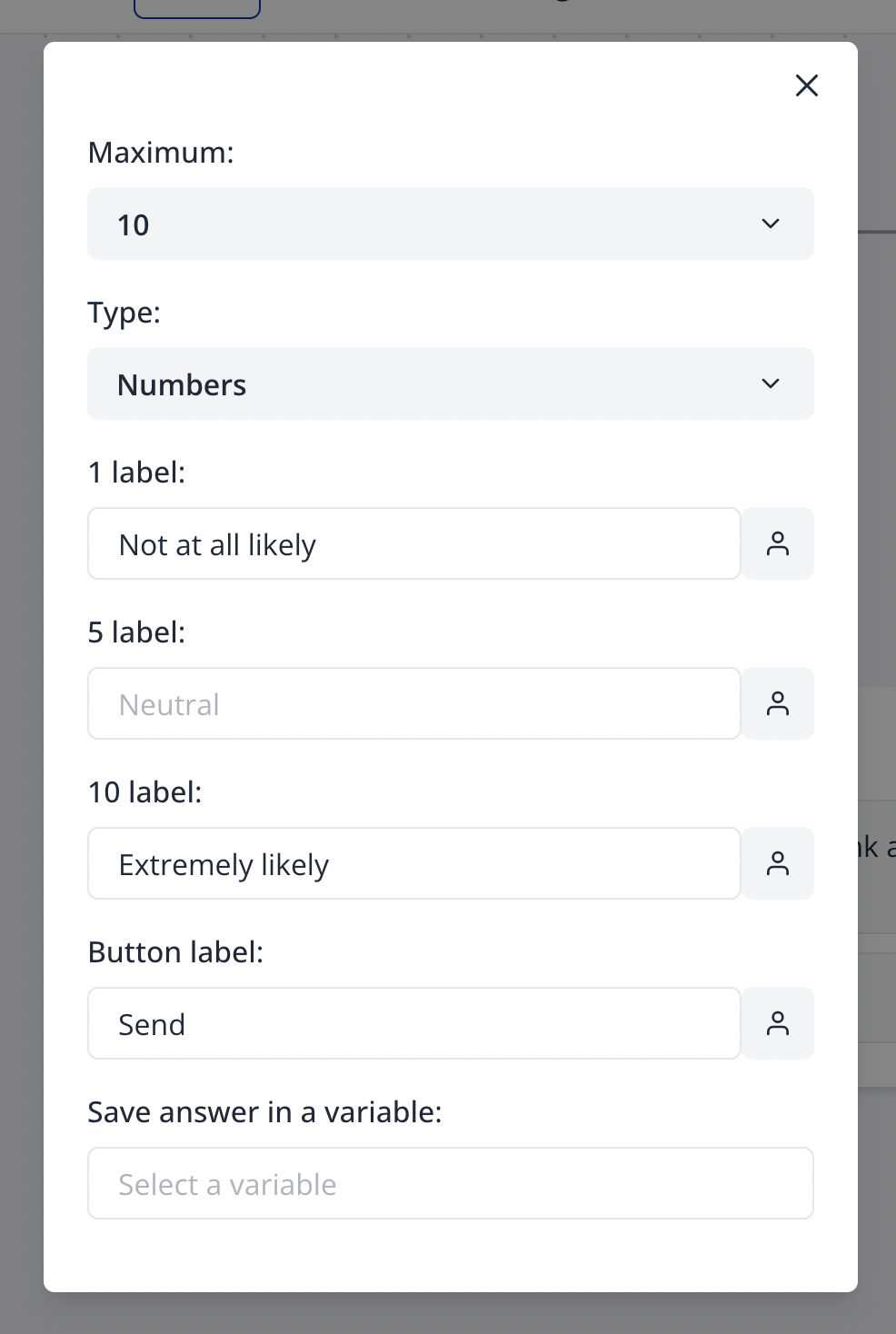
Set up NPS in the Flow Editor to gather valuable user satisfaction insights.
Bot Preview
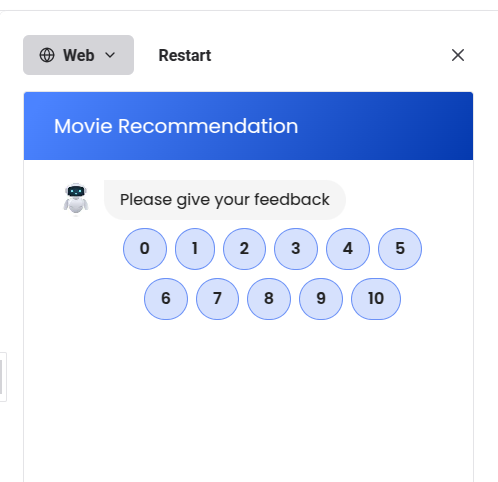
Preview the NPS block in the bot interface to ensure accurate display of scores.
Custom Icon
To add a custom icon, insert SVG content starting with <svg> and ending with </svg>. Discover high-quality open-source icons at Feather (opens in a new tab).
Enhance your ratings with SVG icons from Feather (opens in a new tab) for a unique, engaging look.