Number Input Block
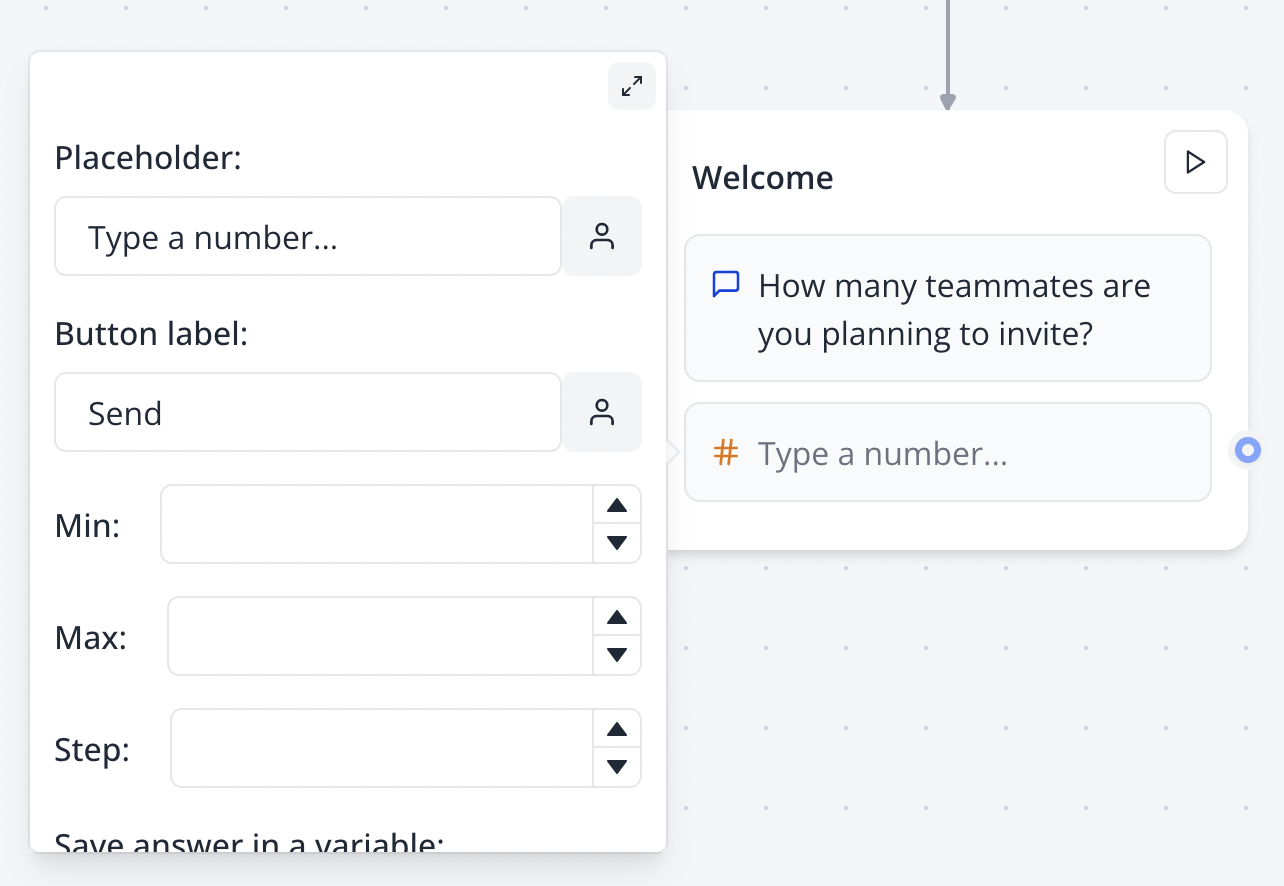
The Number input block allows you to ask your user for a number. You can configure a minimum, a maximum, and a step.
🔢
Set up your Number block in the Indite editor to capture precise numerical inputs with customizable constraints!
Flow Editor
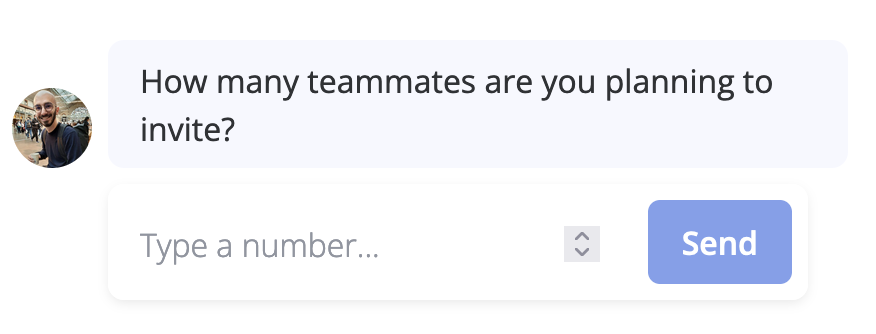
Bot Preview
Format
This only affects how the number is displayed to the user when they submit the answer in a bot.
You can choose the format for the captured number. By default, the number is formatted as a decimal value following the user's locale preferences. You can override this behavior to format it as a currency, a percentage, a scientific number, etc.
🔧
Test your number format in the Indite editor’s preview mode to ensure it displays as intended (e.g., currency, percentage).