Link to Bot Integration
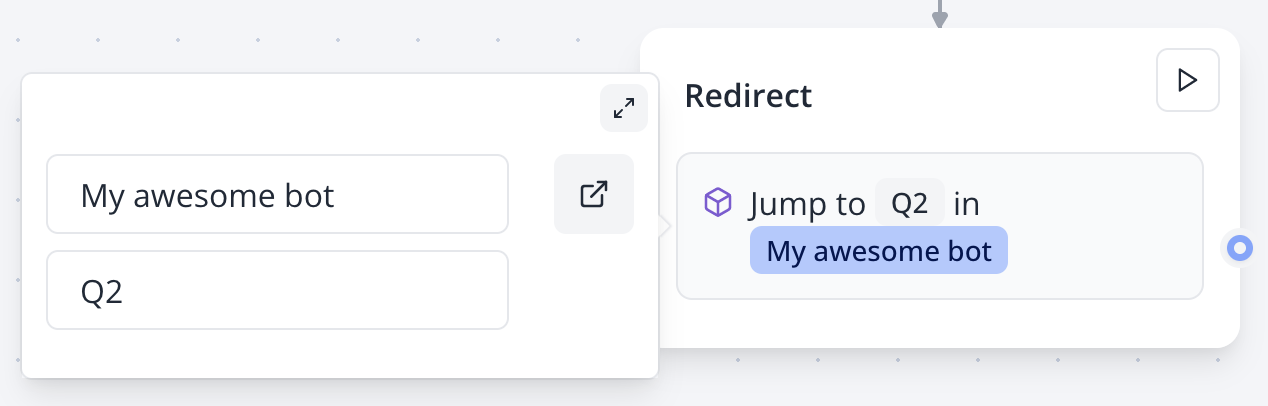
The Link to Bot logic block enables you to seamlessly connect to another bot’s flow, promoting modularity and reusability. This feature helps keep your flows organized and allows you to reuse common flows across multiple bots.
Use the Link to Bot block in the Flow Editor to connect to another bot’s flow and maintain clean, reusable workflows.
Sharing Variables Between Bots
Variables from the current bot are automatically shared with the linked bot. If the linked bot uses variables with the same names, they will be pre-filled with the values from the original bot.
Example: If your first bot collects a user’s name in a Name variable and links to another bot that displays a text bubble using the Name variable, the linked bot will automatically show the name collected from the first bot.
Ensure variable names match between bots to seamlessly share data in the Flow Editor.
Merging Answers
The Merge Answers option allows you to combine answers collected from the linked bot into the current bot’s data. This is particularly useful for:
- Aggregating responses from multiple bots for submission to a third-party app.
- Consolidating all answers into a unified results table for streamlined analysis.
Enable the Merge Answers option in the Flow Editor to collect and unify responses from linked bots.