Share Bot
The Share feature allows you to make your bot flow publicly accessible, enabling others to view and test it without requiring authentication.
Making Your Bot Flow Public
To share your bot flow, open the Share menu and enable the Make the flow publicly available option:
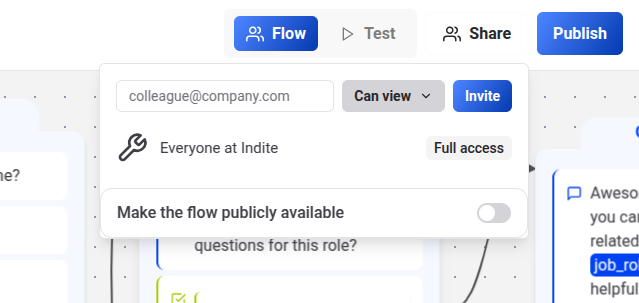
Once enabled, non-authenticated users (guests) can access the bot flow. They can explore all options and interact with the bot in preview mode.
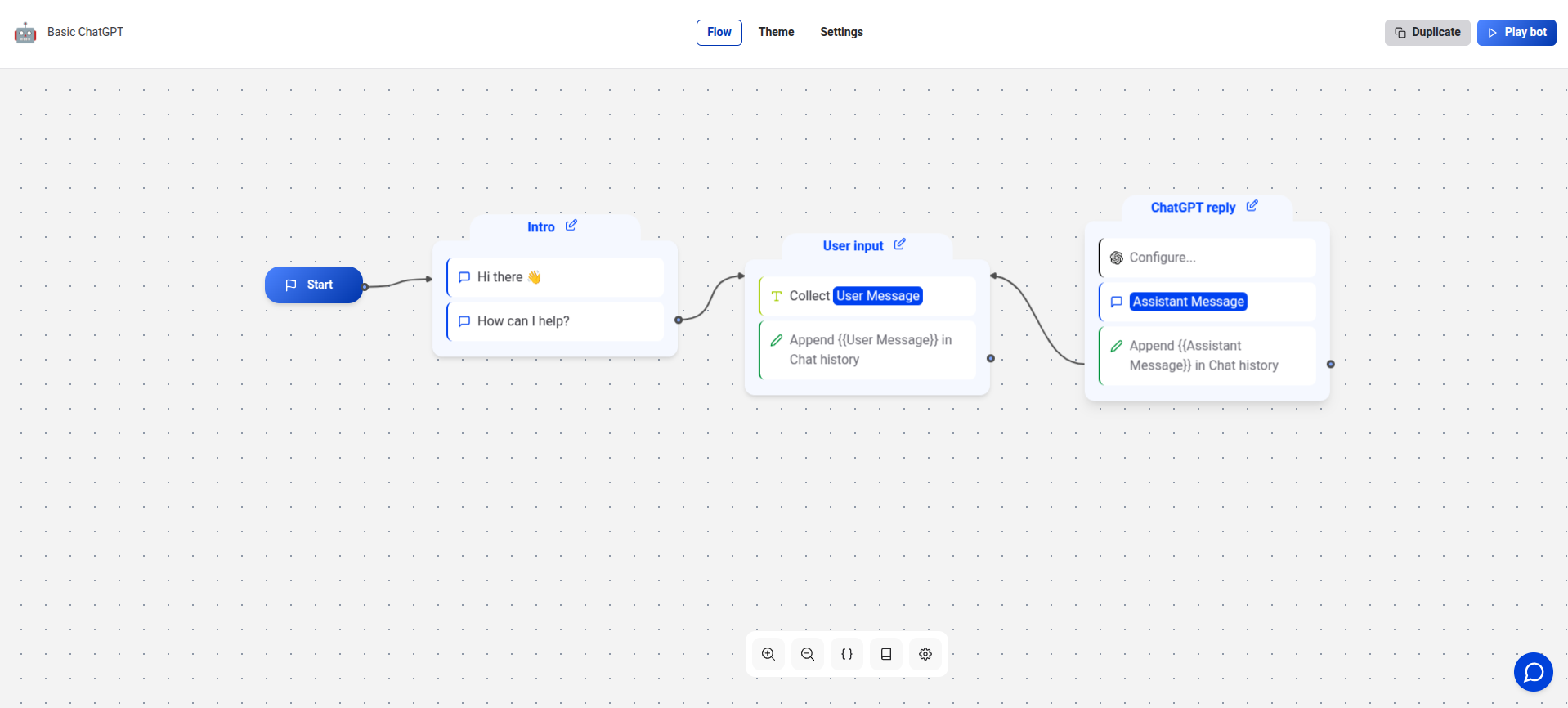
Public sharing allows guests to test the bot in preview mode but does not permit them to edit the flow or access sensitive data.