Context Menu
The Context Menu provides quick access to actions by right-clicking elements in the builder, such as groups, blocks, or edges. This streamlines editing and managing your bot's flow.
Group Context Menu
Right-clicking a group displays the following options:
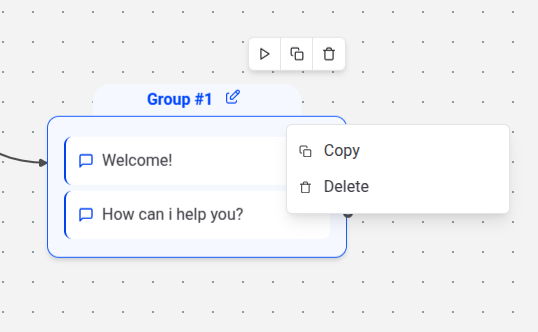
- Duplicate: Creates a copy of the group, including all its blocks and settings.
- Delete: Removes the group and its contents.
Block Context Menu
Right-clicking a block offers the following options:
- Duplicate: Creates a copy of the block with identical settings, placed below the original.
- Delete: Removes the block from the flow.
Edge Context Menu
Right-clicking an edge displays the following option:
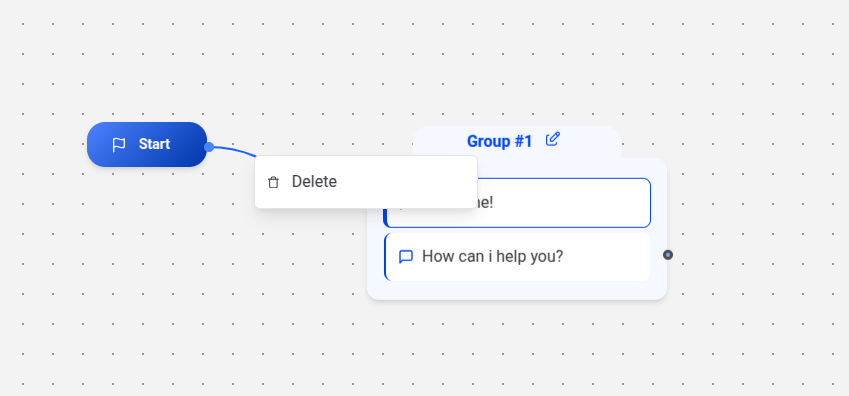
- Delete: Removes the edge, disconnecting the linked blocks.