Date Input Block
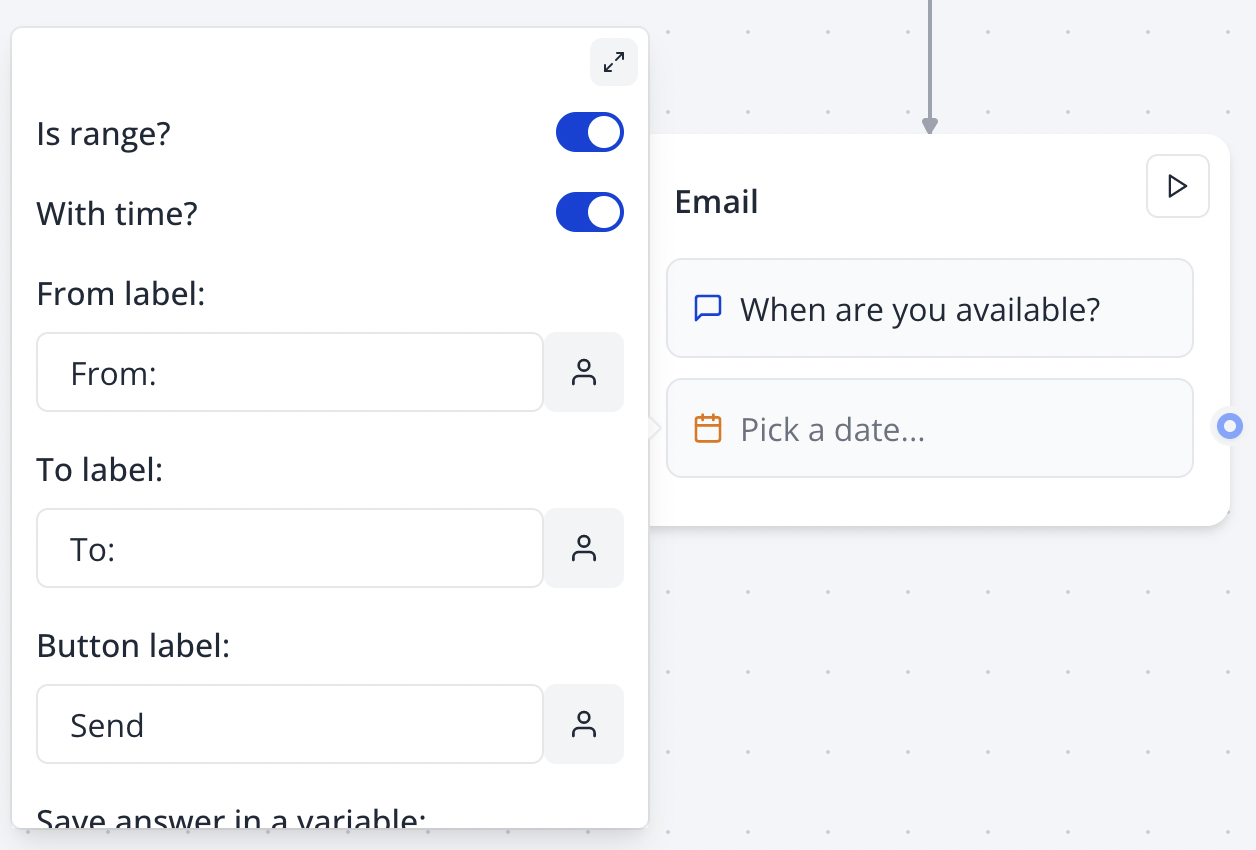
The Date input block allows you to ask your user for a date. You can ask for a specific date or range and include time.
Configure your Date block in the Indite editor to capture precise date or date-time inputs effortlessly!
Flow Editor
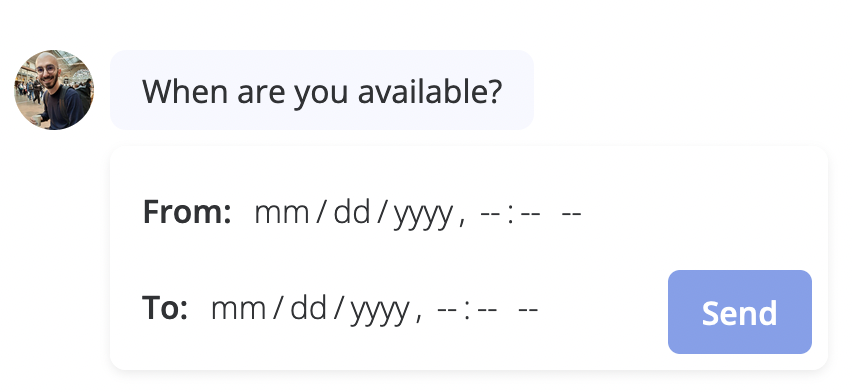
Bot Preview
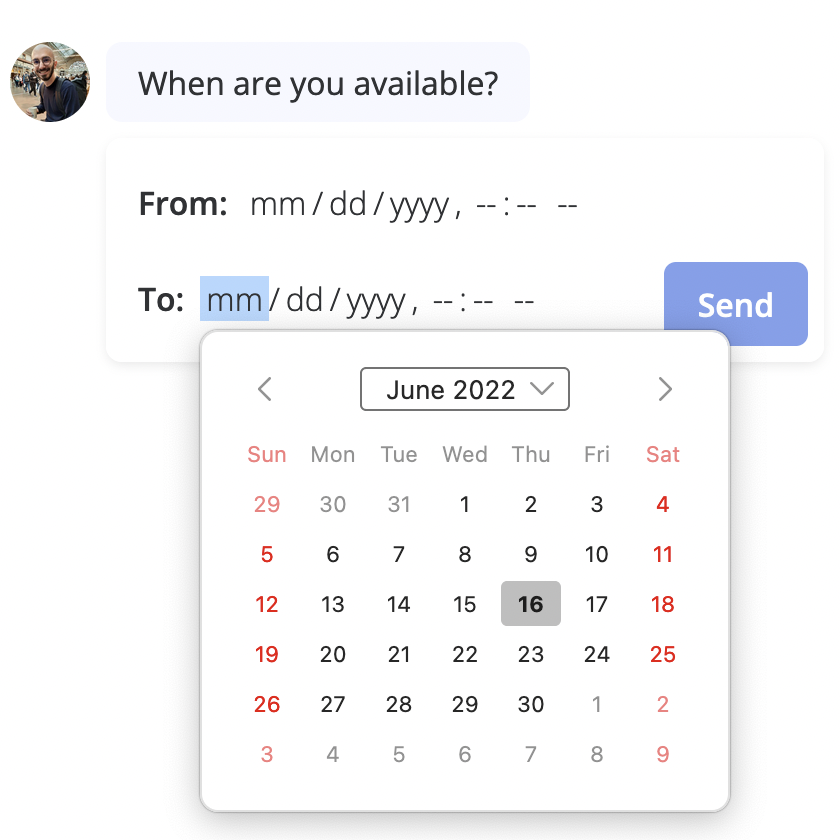
The input will use the native date picker depending on the device and browser used to answer the bot. For example, on Firefox it looks like this:
Format
The Format setting lets you customize the picked date format. Under the hood, it is done using the date-fns (opens in a new tab) library. You can use any of the formatting tokens (opens in a new tab) supported by the library.
Here are some examples:
// Common date format examples
yyyy-MM-dd
yyyy-MM-dd HH:mm:ss
dd/MM/yy
dd/MM/yyyy HH:mm:ss
d.MM.yy
There are 4 tokens that cause most of the confusion:
- D and DD that represent the day of a year (1, 2, ..., 365, 366) are often confused with d and dd that represent the day of a month (1, 2, ..., 31).
- YY and YYYY that represent the local week-numbering year (44, 01, 00, 17) are often confused with yy and yyyy that represent the calendar year.
To help with the common confusion, on Bot by default, we interpret the tokens D and Y as d and y respectively.
More information: date-fns Unicode Tokens (opens in a new tab)
Test your date format in the Indite editor’s preview mode to ensure it matches your desired output.