Workspace Overview
A Workspace in Indite serves as the central hub for all your activities, acting like a home for your bots, settings, and team collaboration. Each workspace can include just you, your team, or an entire company.
Your subscription plan is tied to a specific workspace. For example, if you have a Personal Pro workspace, any new workspace you create will default to a Free workspace unless upgraded.
You can create as many workspaces as needed to organize your projects.
Members
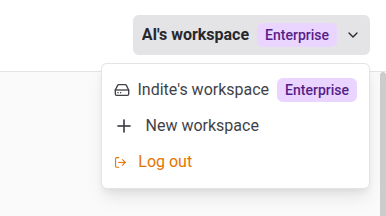
Members are users with access to the entire workspace, including all bots and related settings. Once added, members can select the workspace from their Workspaces dropdown:
View and manage workspace members in the Settings & Members menu under the Members tab:
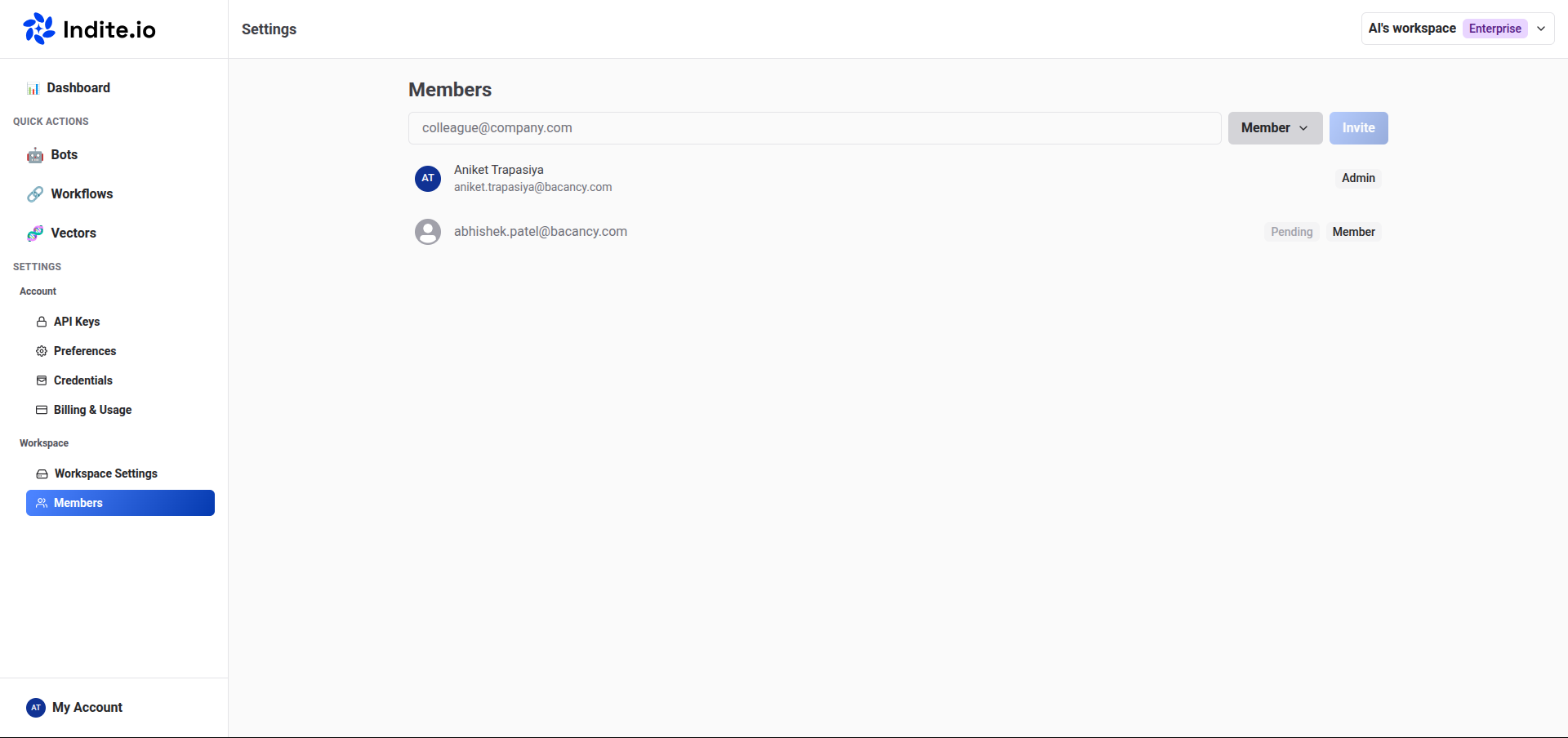
Admins
Admins have elevated permissions to manage the workspace, including:
- Inviting new members.
- Configuring workspace settings.
- Managing billing and subscriptions.
- Deleting the workspace.
Admins have full control over the workspace, while members can create and edit bots but cannot modify workspace settings or manage members.
Deleting a Workspace
To delete a workspace:
- Navigate to the Workspace Settings in the Settings & Members menu.
- Select the option to delete the workspace:
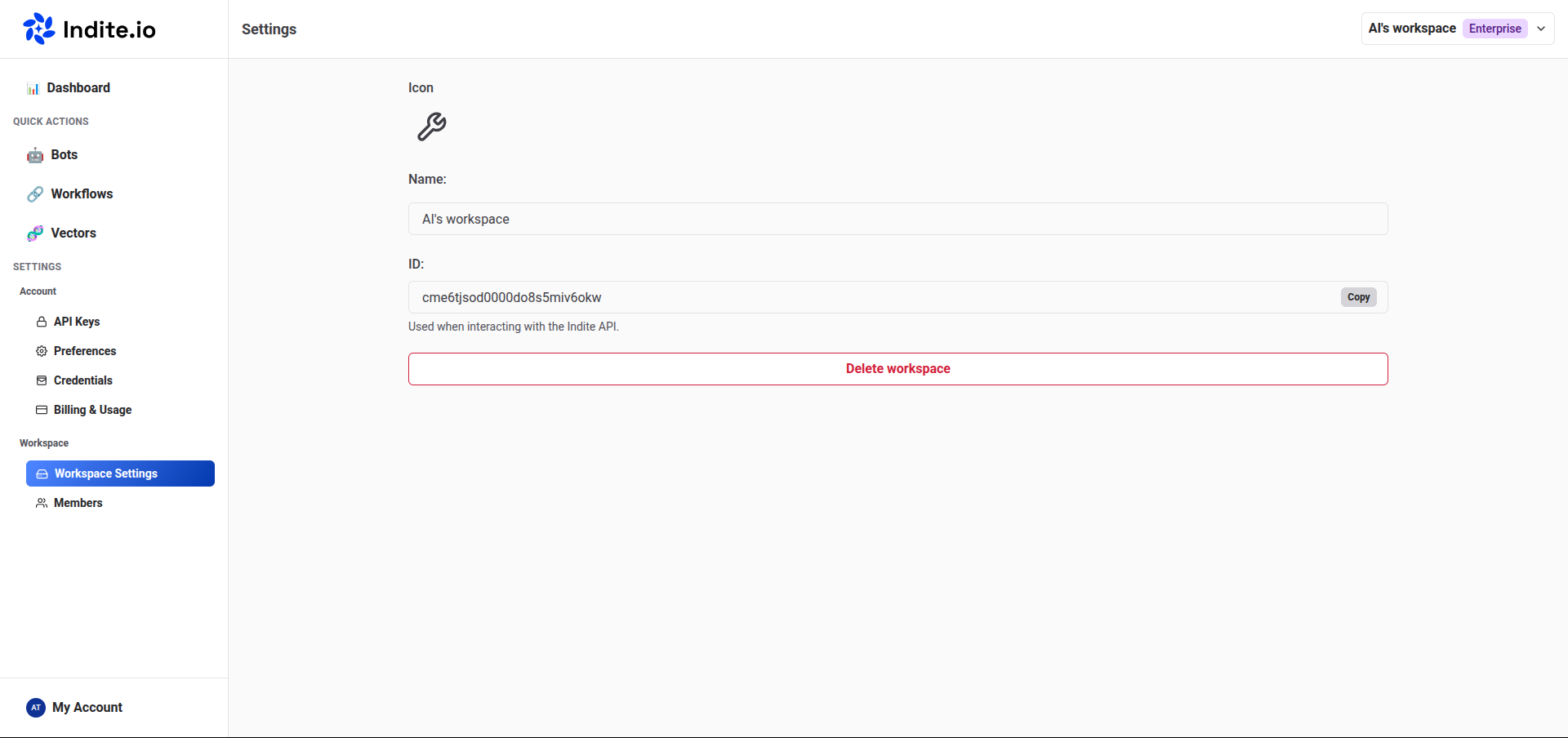
Deleting a workspace is permanent and removes all associated bots, data, and settings. Ensure you back up any necessary data before proceeding.