File Upload Input Block
The File upload input block allows you to collect files from your user.
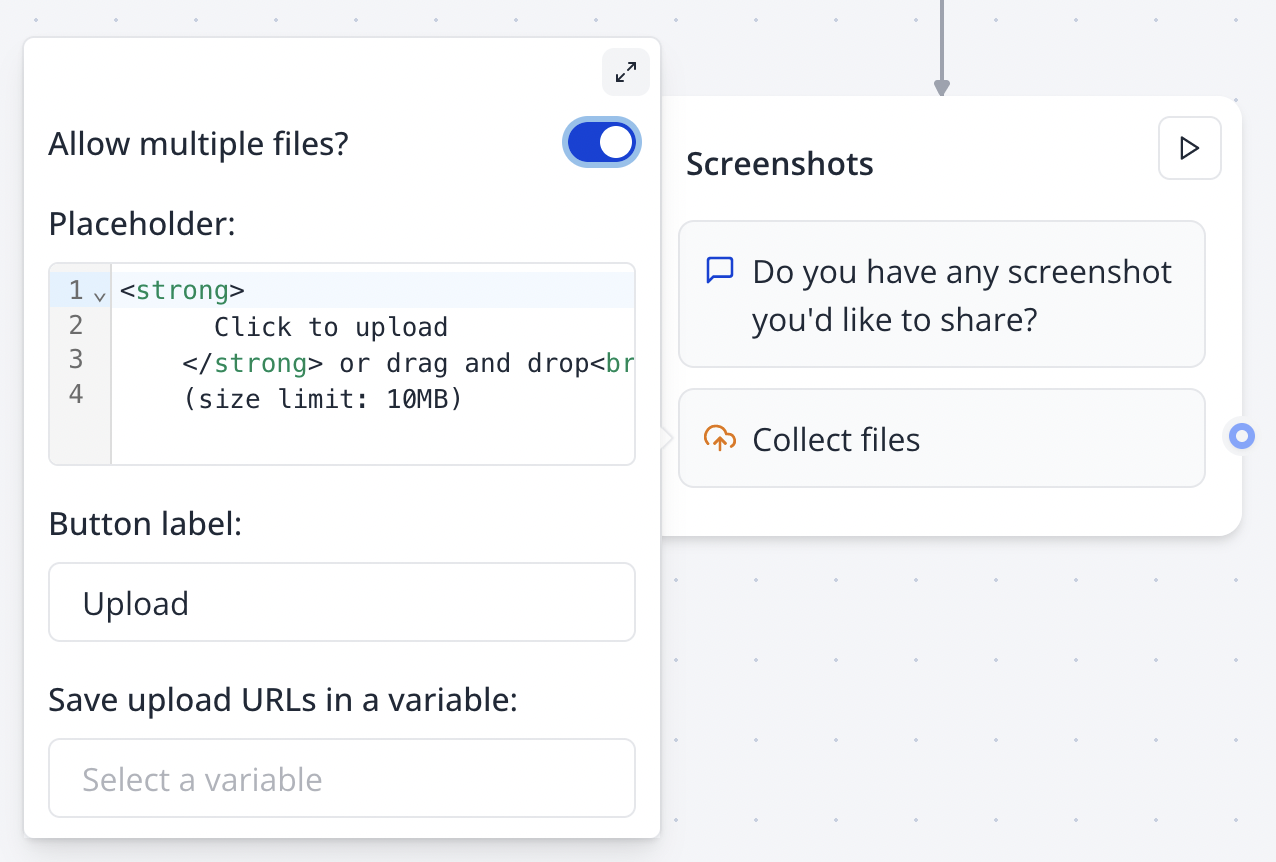
Configure your File Upload block in the Indite editor to seamlessly collect user files with customizable settings!
Flow Editor
Bot Preview
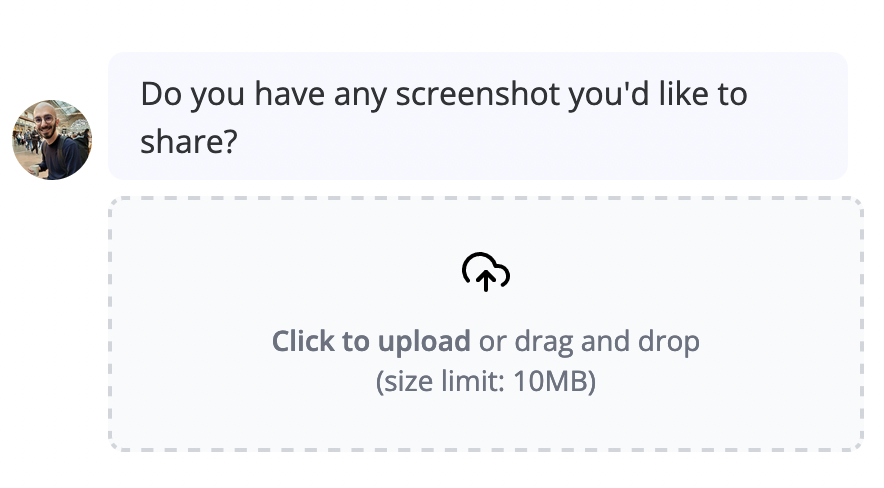
The placeholder accepts HTML (opens in a new tab).
Size Limit
There is a 10MB fixed limit per uploaded file. If you want your respondents to upload larger files, you should ask them to upload their files to a cloud storage service (e.g. Google Drive, Dropbox, etc.) and share the link with you.
For files larger than 10MB, guide users to upload to cloud storage and share the link to bypass the size limit.
Visibility
This option allows you to choose between generating public URLs for the uploaded files or keeping them private. If you choose to keep the files private, you will be able to see the file only if you are logged in to your Bot account.
Private files cannot be used with blocks like the Send Email block’s Attachment feature, as external services cannot access them.
By default, this option is set to Auto. This means that the files will be public if uploaded from the web runtime but private if uploaded from the WhatsApp runtime. Because on WhatsApp, the file is already uploaded to the WhatsApp server, so there is no need to also upload it to Bot (only if you need to make the file URL publicly accessible).
Allowed File Types
You can choose to restrict accepted file types. Add file extensions in the "Allowed file types" field to set up a whitelist of file extensions.
We allow any value that is accepted by the accept attribute of an HTML input of type file (opens in a new tab).
All files will be allowed by default if this field is empty.
Test file type restrictions in the Indite editor’s preview mode to ensure only allowed extensions are accepted.