Segments let you group Visitors into named audiences — for example, "Qualified Leads" or "Trial Users" — for CRM-style organization.
Layout
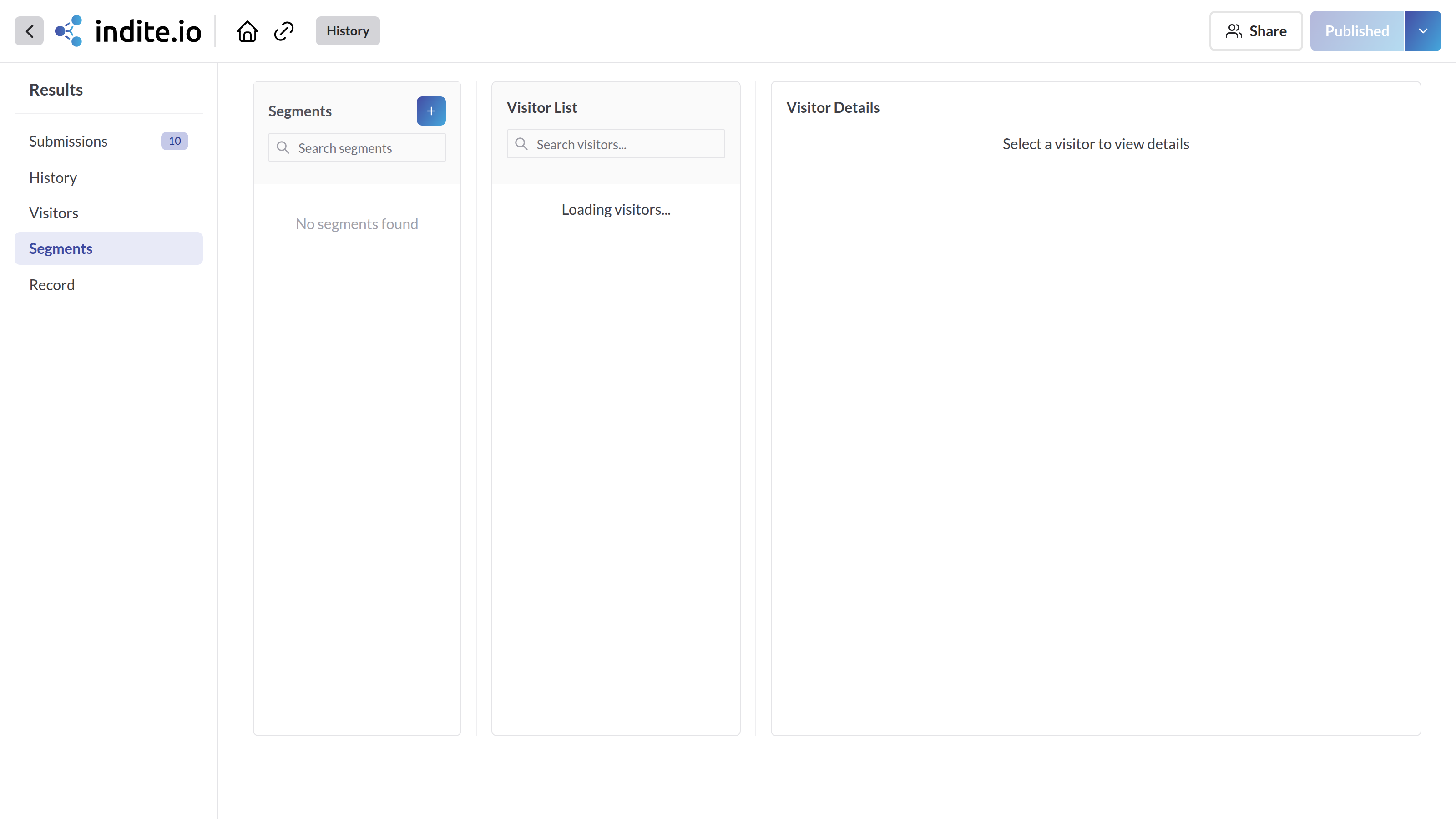
Three panes, left to right:
- Segments list — every segment in the workspace, searchable, showing name, description, and creation date. Each has inline Edit (rename or update the description) and Delete actions.
- Visitors in segment — everyone currently assigned to the selected segment, with the same search as the Visitors page.
- Visitor detail — the same detail view as the Visitors page, for whichever visitor is selected.
Creating a Segment
Click + to create a new segment. Both Name and Description are required.
⚠️
Deleting a segment removes it from every visitor currently assigned to it. This can't be undone.