Submissions is the main results table — one row per conversation, with one column per variable or block the bot captured.
Row Actions
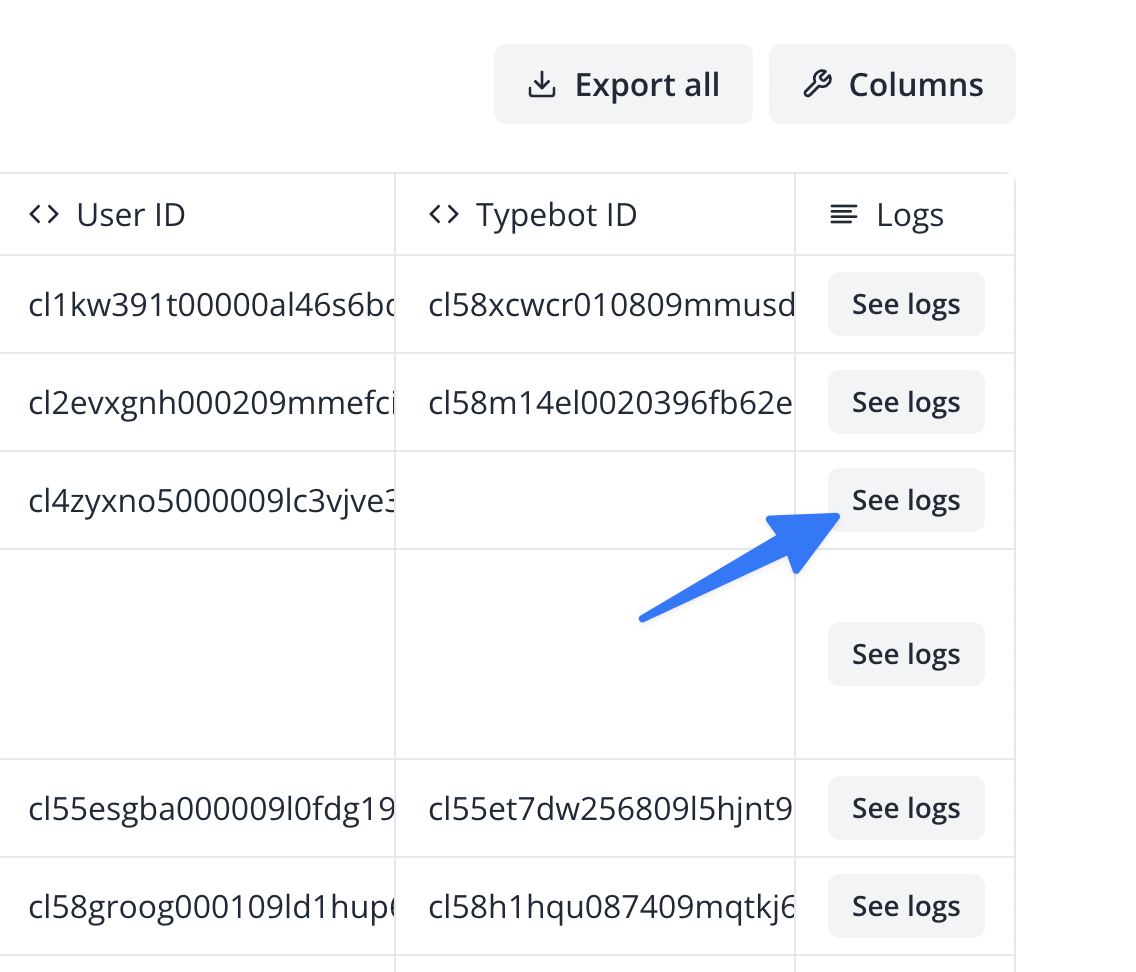
Each row has three buttons for extra detail beyond the captured data:
- See logs — opens a log of the execution for that run, including status (
Ok/Info/Warn/Fail) for each step, useful for troubleshooting integrations like Send Email, Google Sheets, or webhook calls. - See locations — opens an IP-geolocation breakdown: city, state/province, district, country, continent, coordinates, time zone, IP, and ISP/organization.
- See device details — opens the visitor's browser, browser version, OS, OS version, device, device type, and device vendor.
Click a row to expand its full detail — every field captured for that submission.
Selecting Rows
Select one or more rows with the checkboxes to reveal a toolbar with:
- Export — downloads a CSV of just the selected rows.
- Delete — removes the selected rows, after a confirmation prompt.
More Options Menu
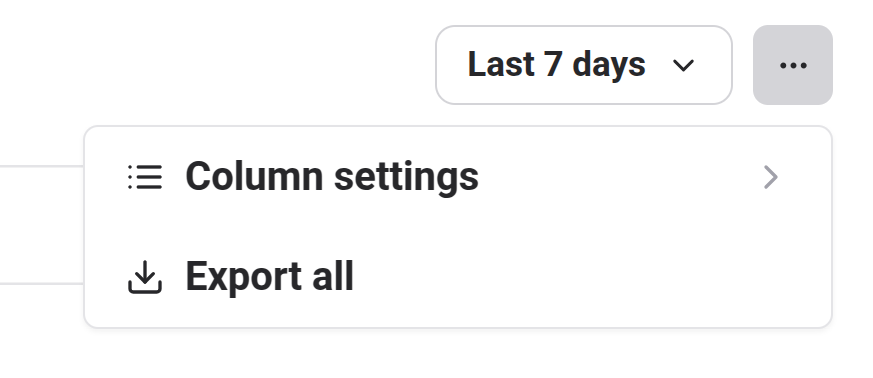
Export All Results
Unlike the selection-based export above, Export All downloads every result — not just the current page or selection — as CSV, and includes extra columns beyond what's shown in the table (continent, country name/code, state/province, district, city, zip code, latitude/longitude, time zone, ISP, organization, IP address, browser, browser version, OS, OS version, device, device type, device vendor).
- Include Deleted Blocks — also includes columns for variables/blocks that have since been removed from the bot's current version, so historical data from older flow versions isn't lost.
Column Settings
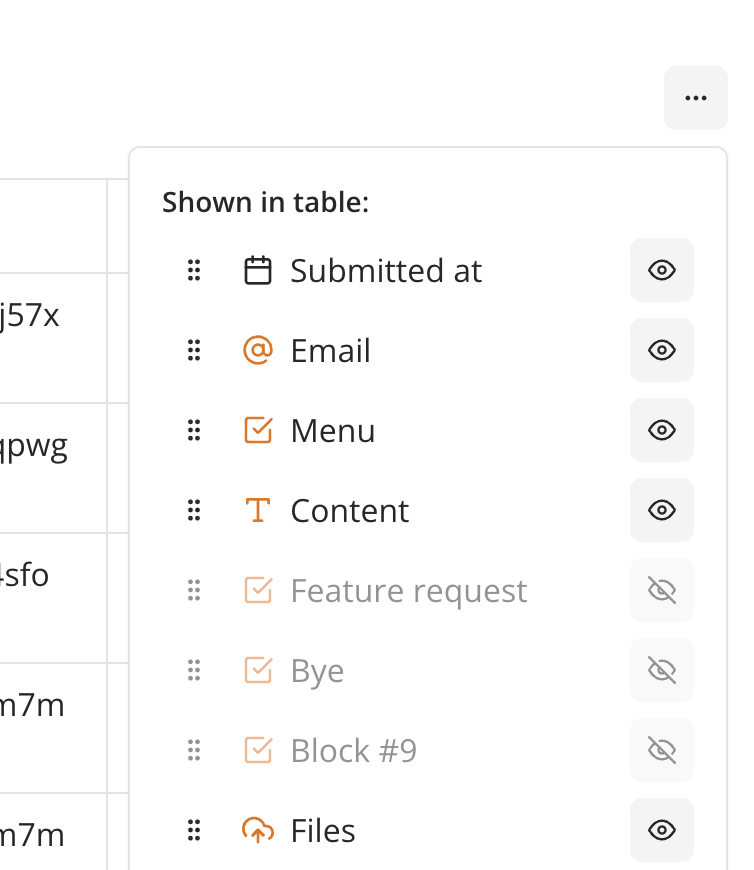
Reorder columns by drag-and-drop, or hide ones you don't need with the per-column eye icon. Column order, visibility, and width are all remembered for next time.
Time Filter
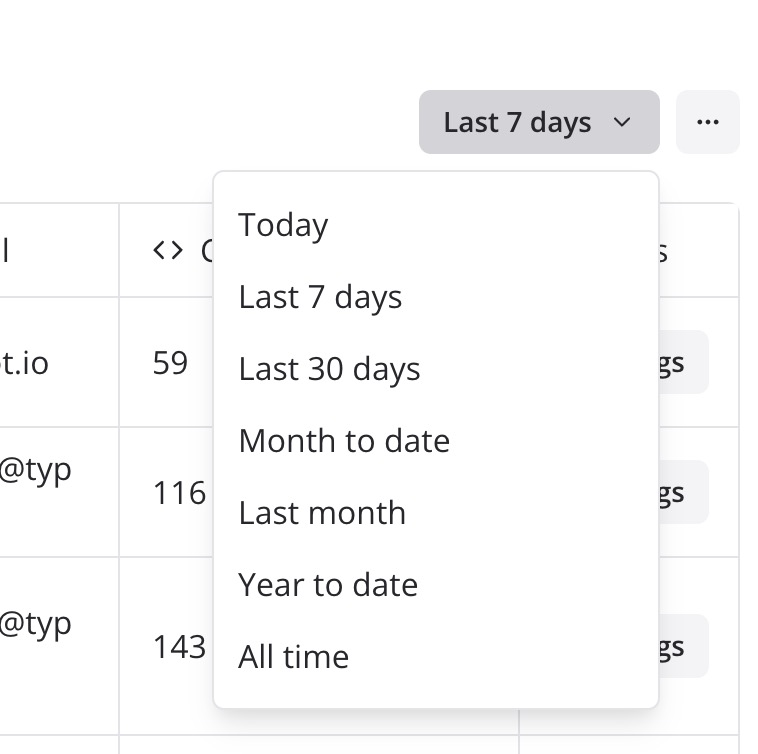
By default, Submissions shows data from the last 7 days. Change this with the date filter button in the top-right corner:
The sidebar's Submissions count badge always reflects your bot's total number of conversation starts, regardless of the current time filter.